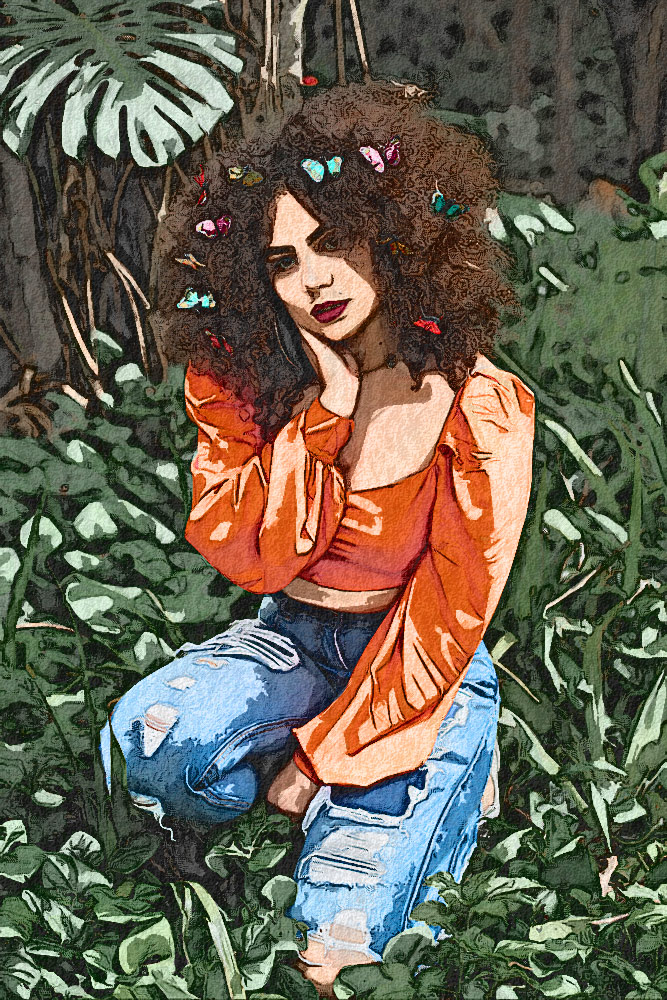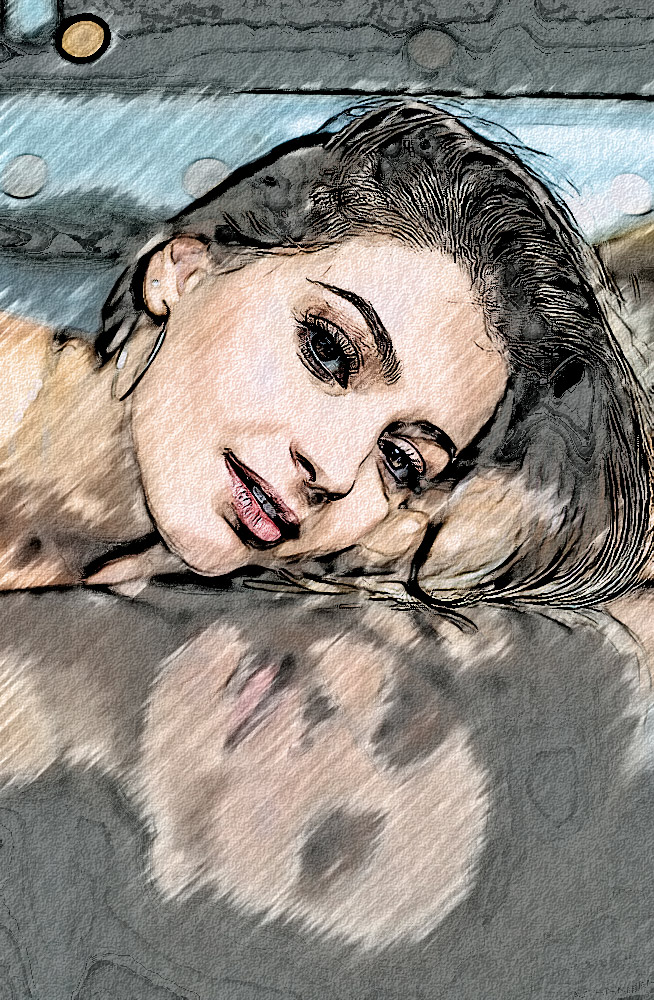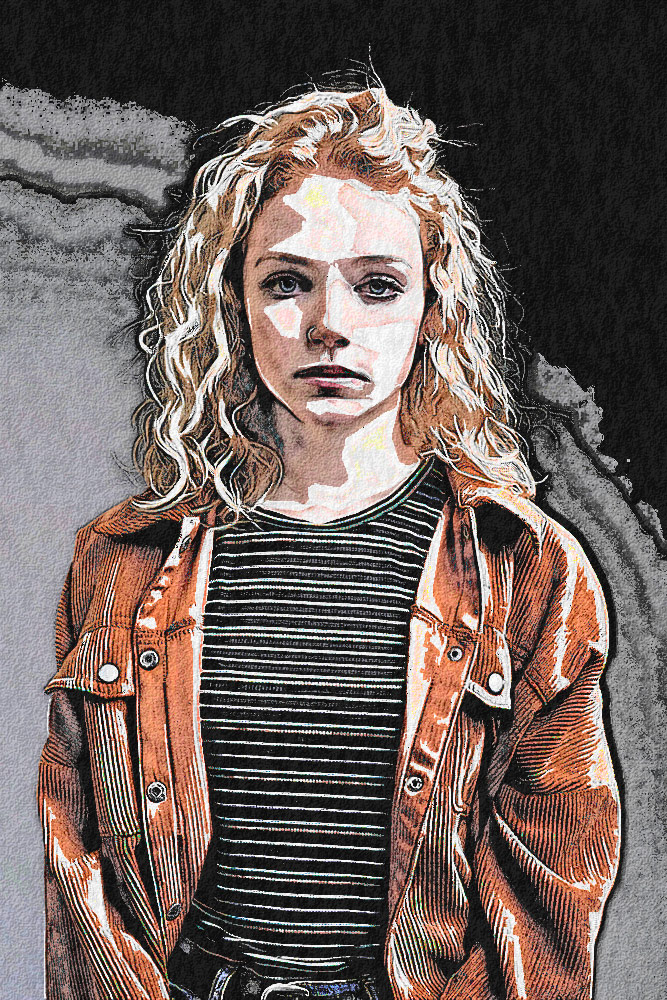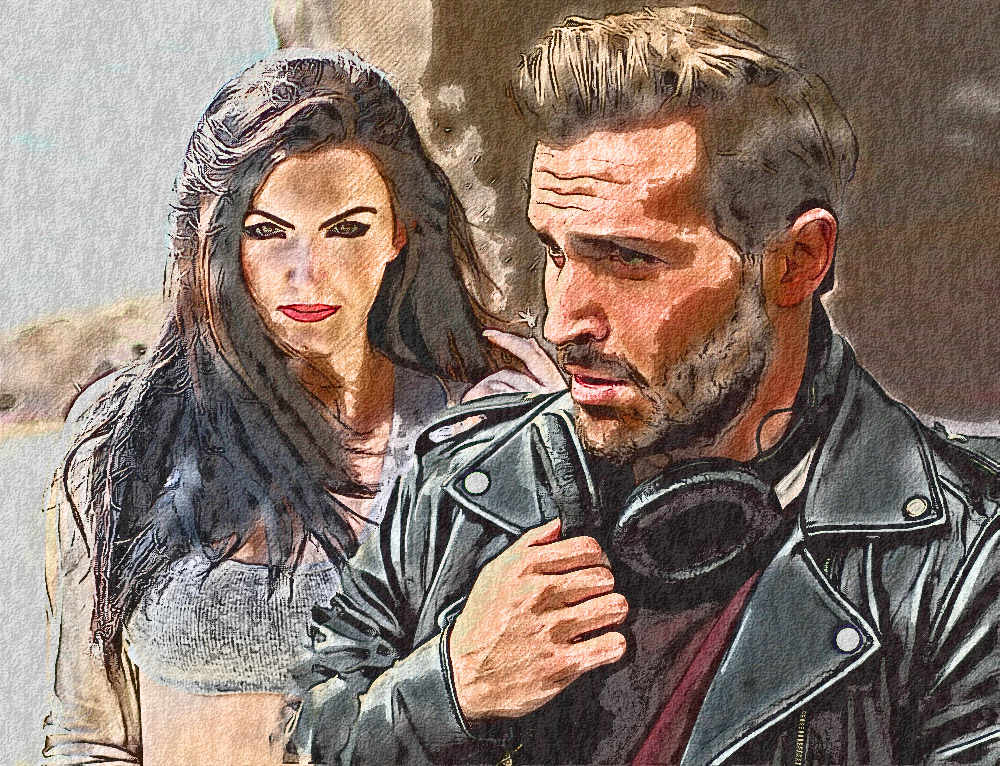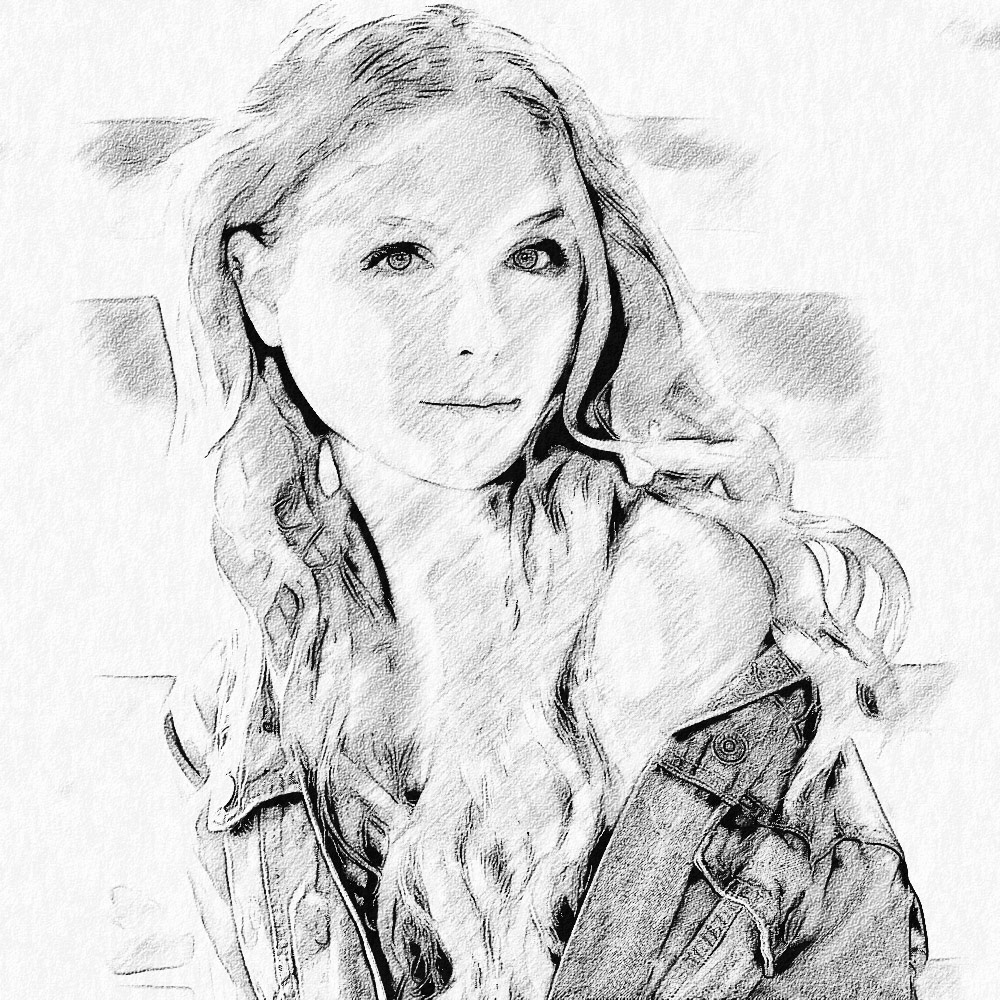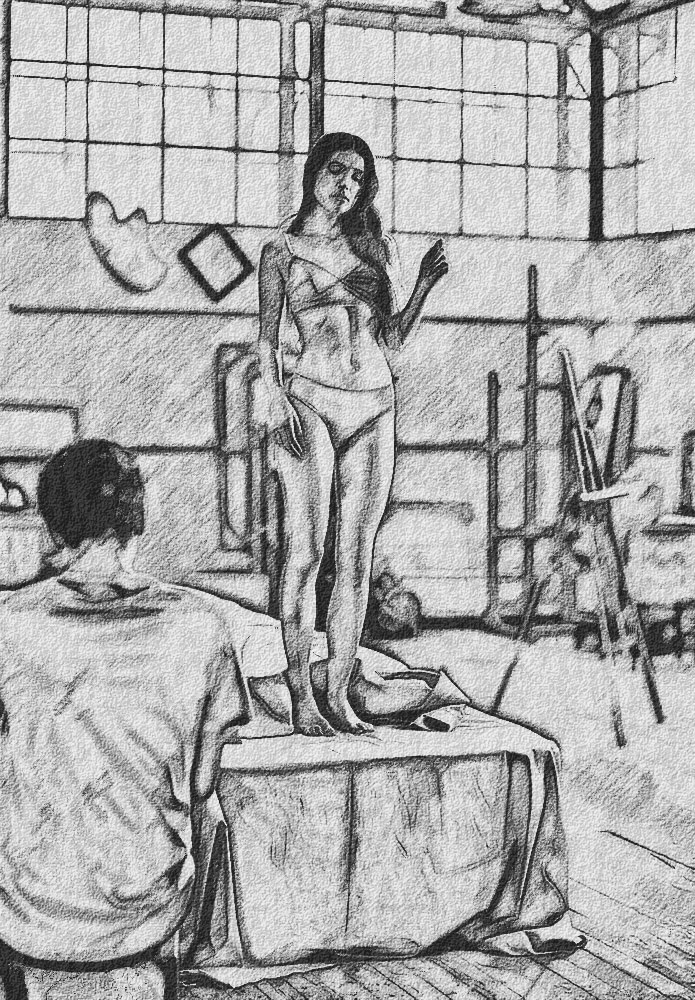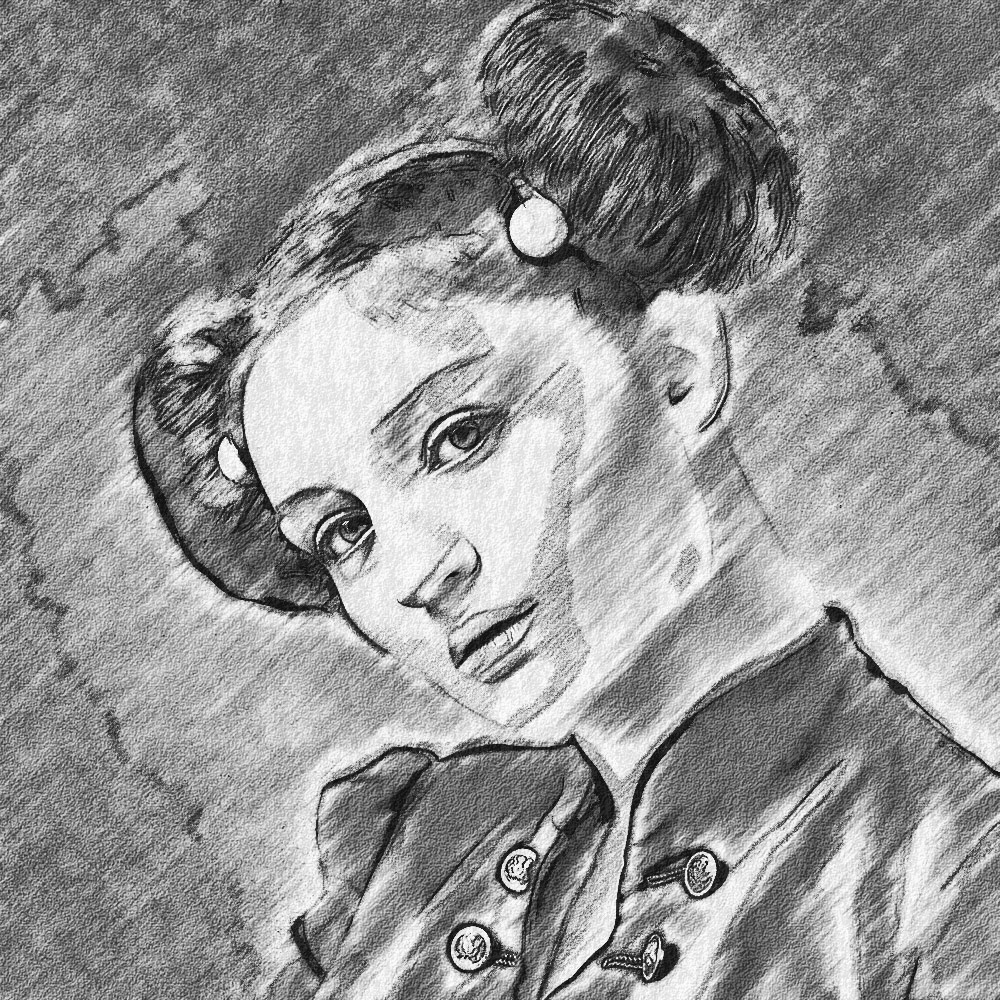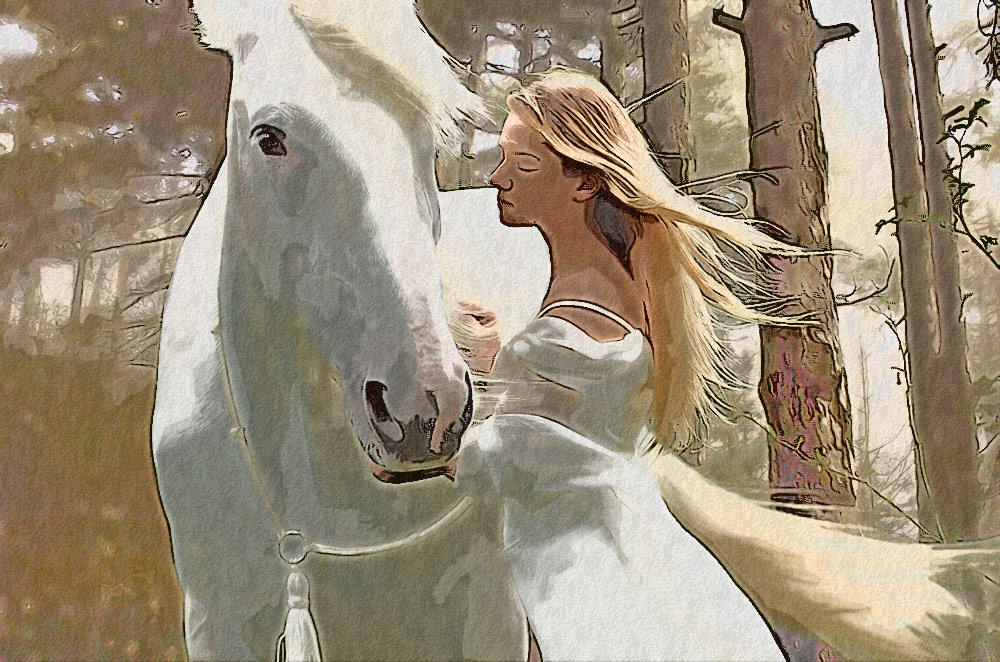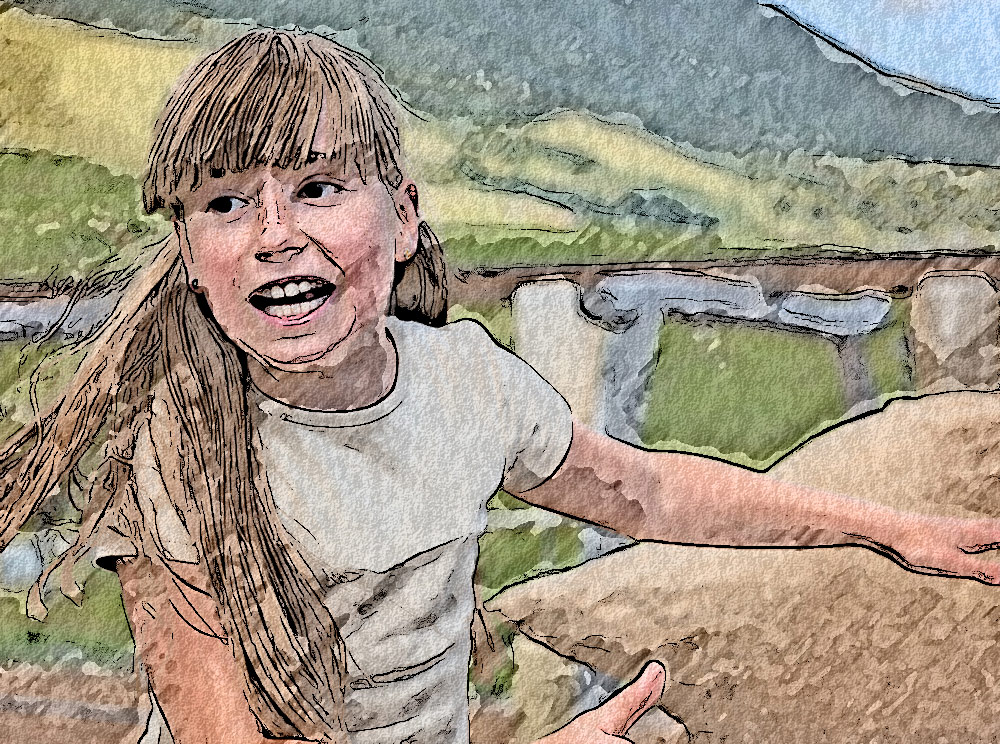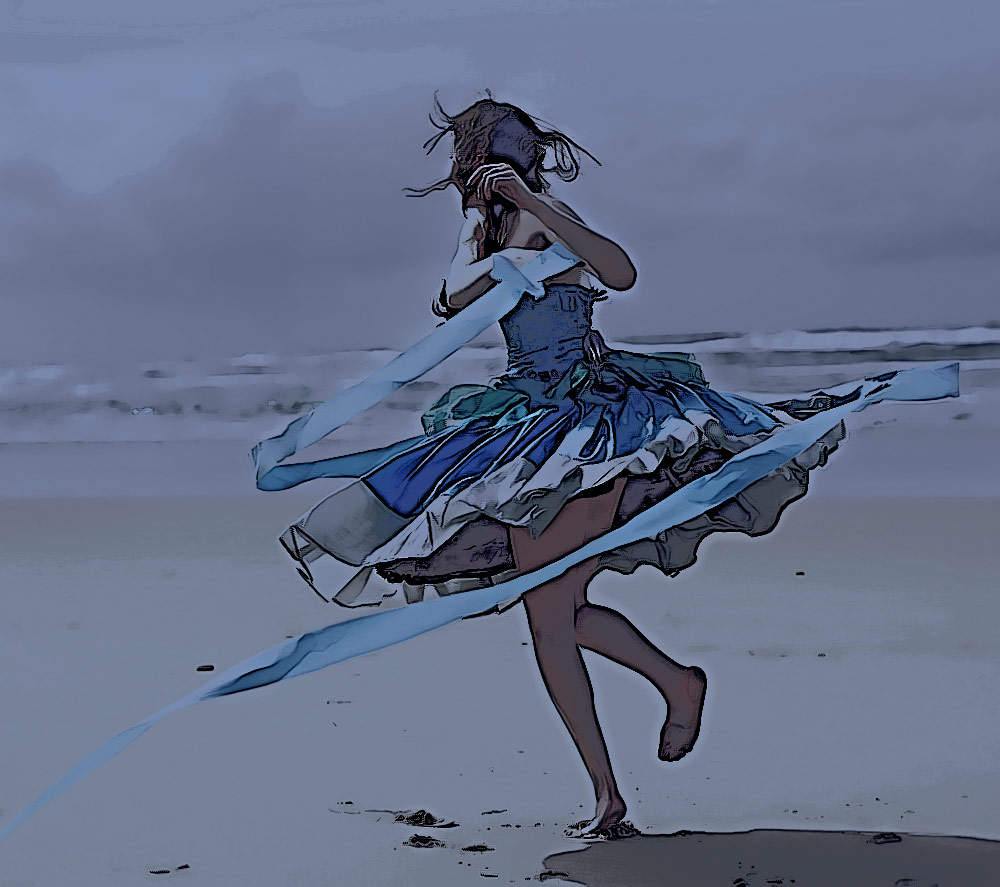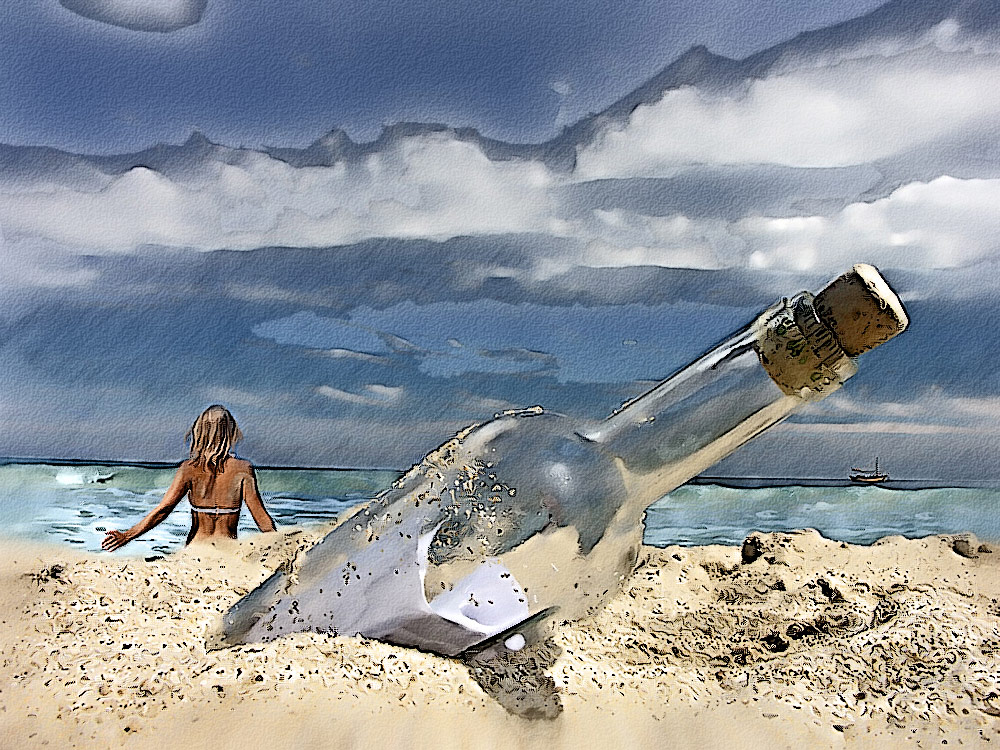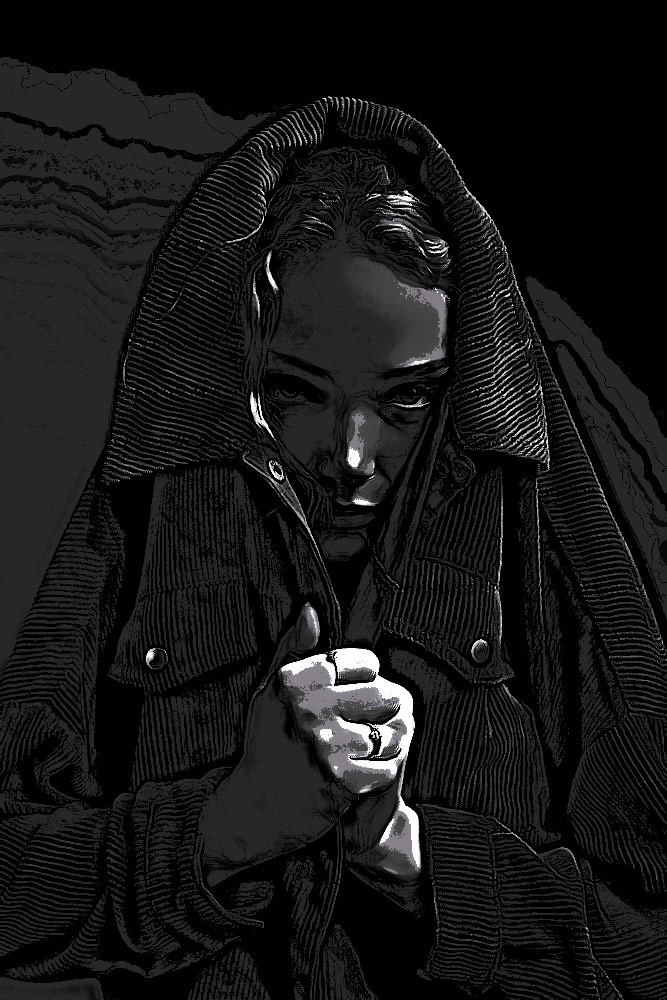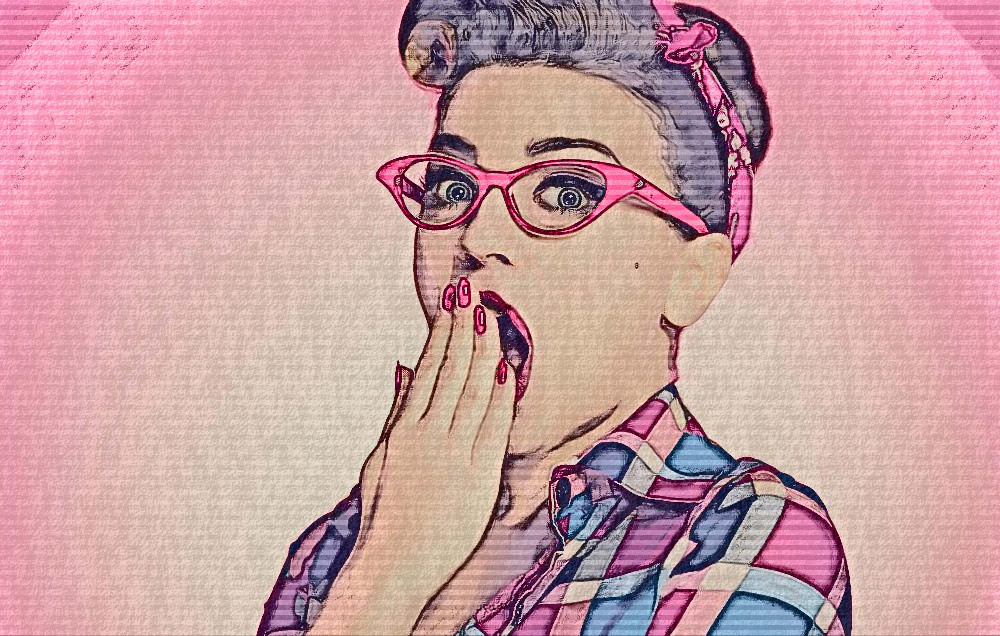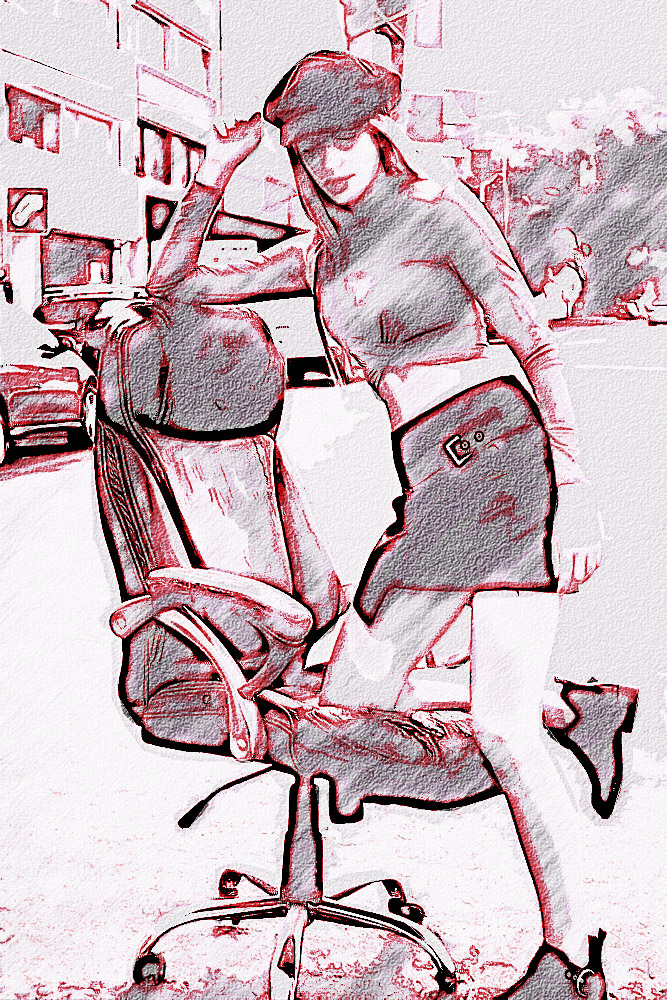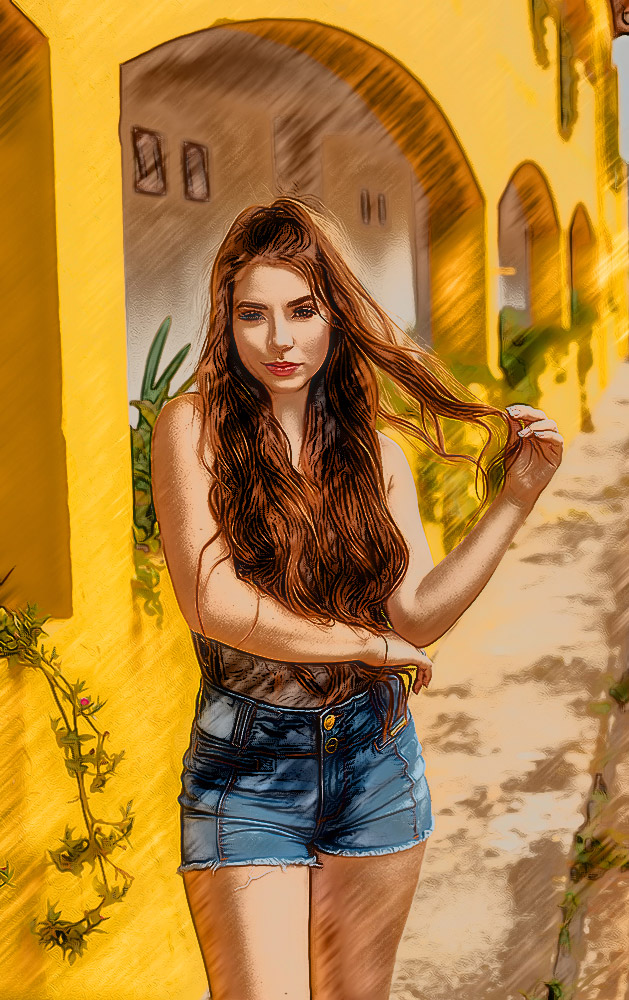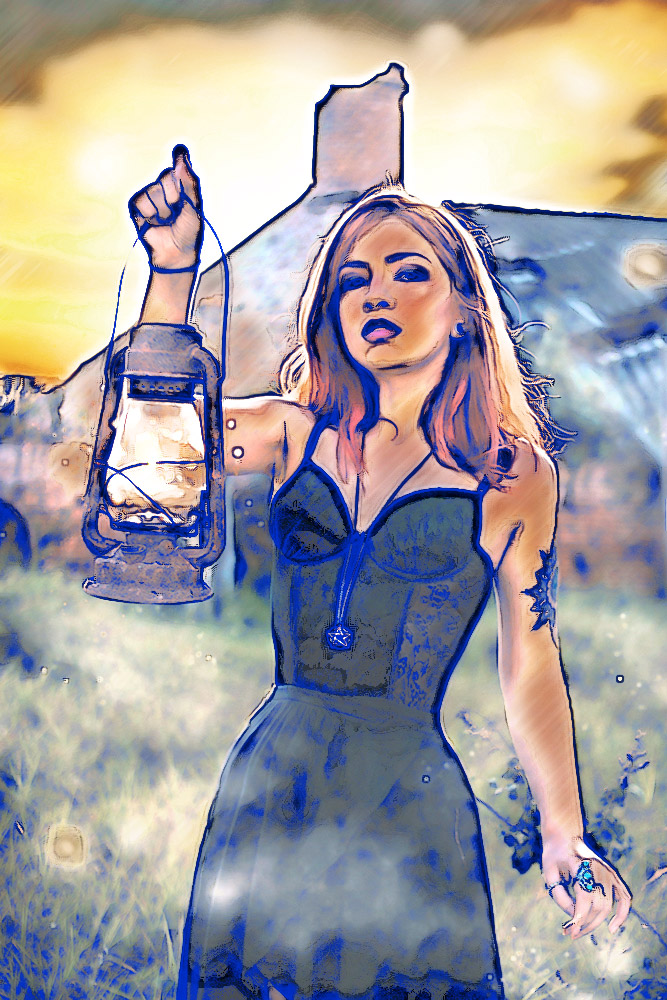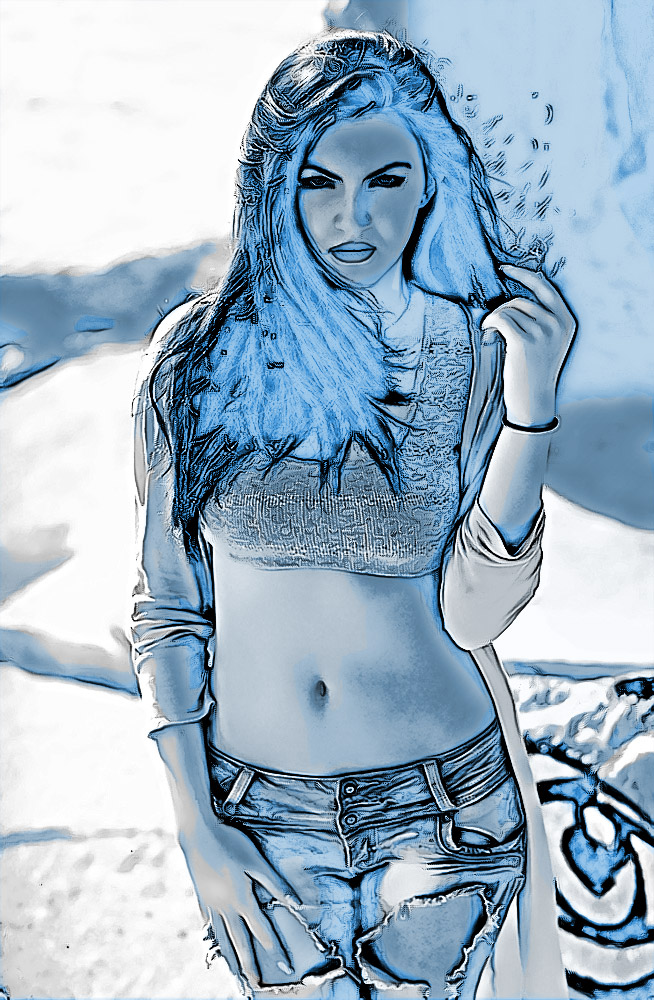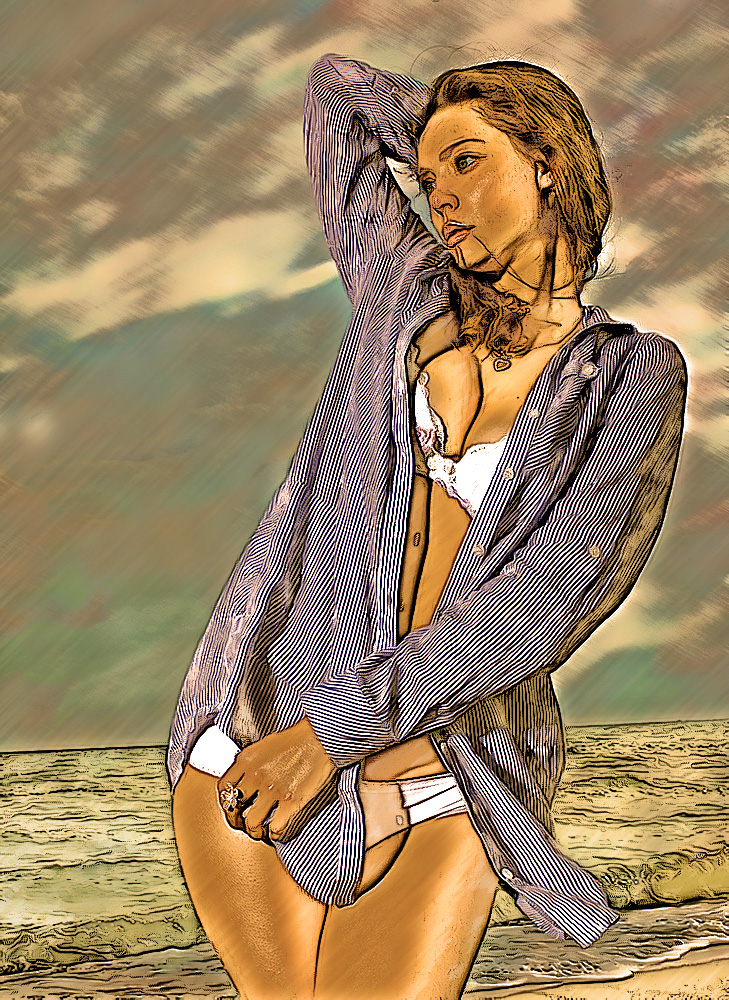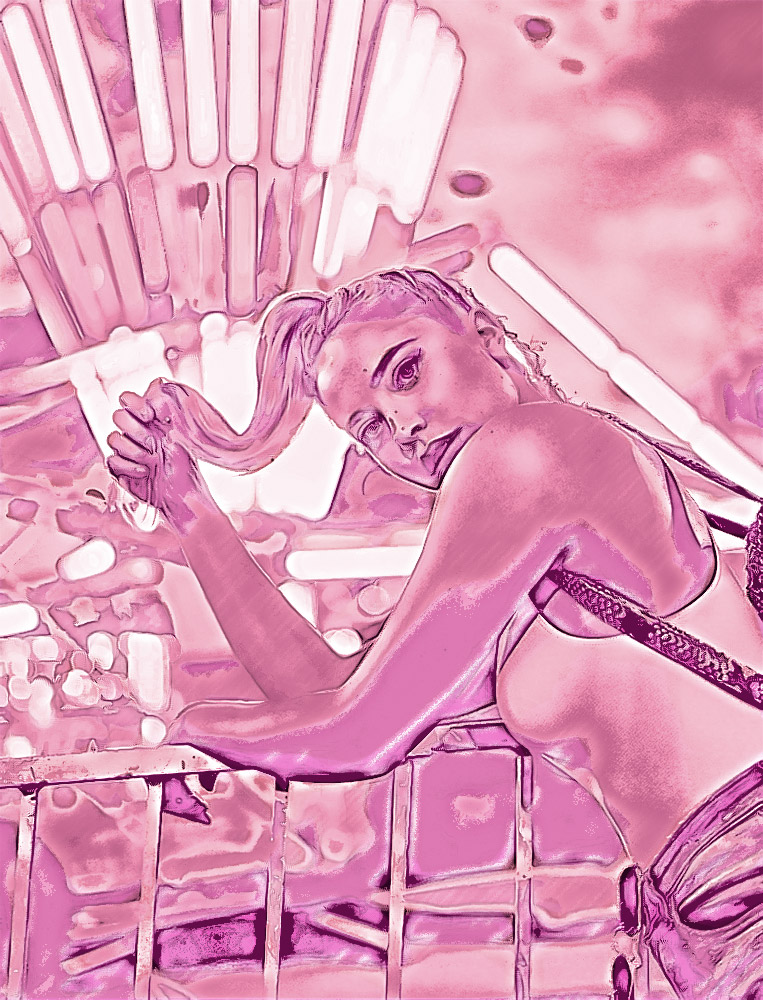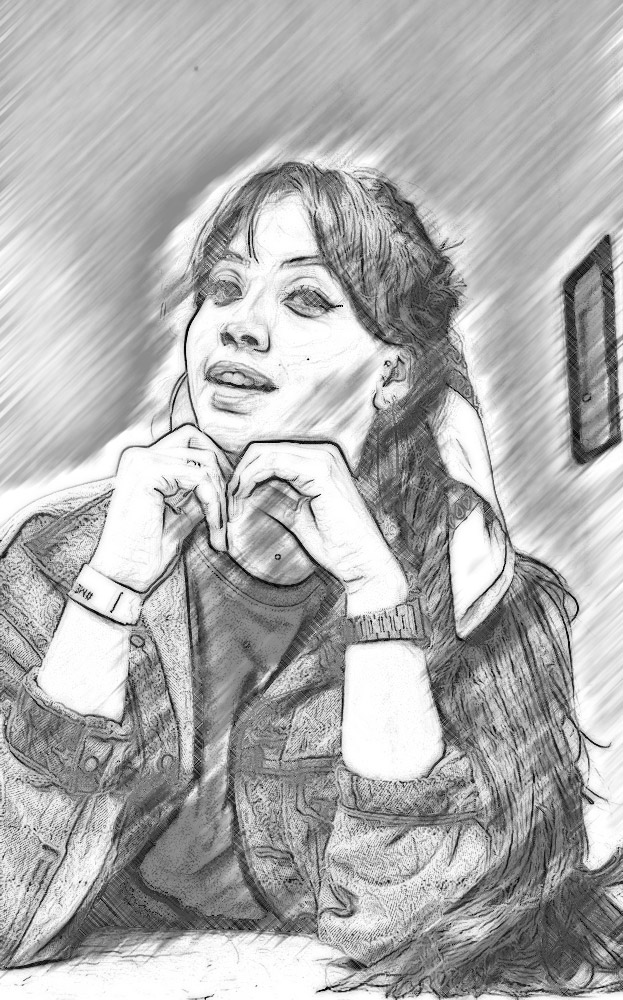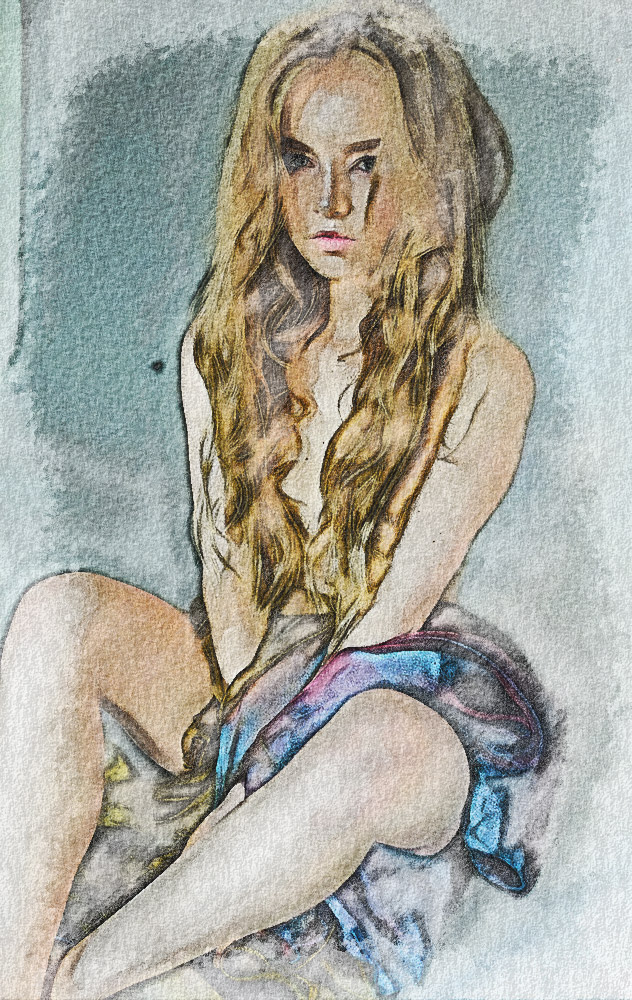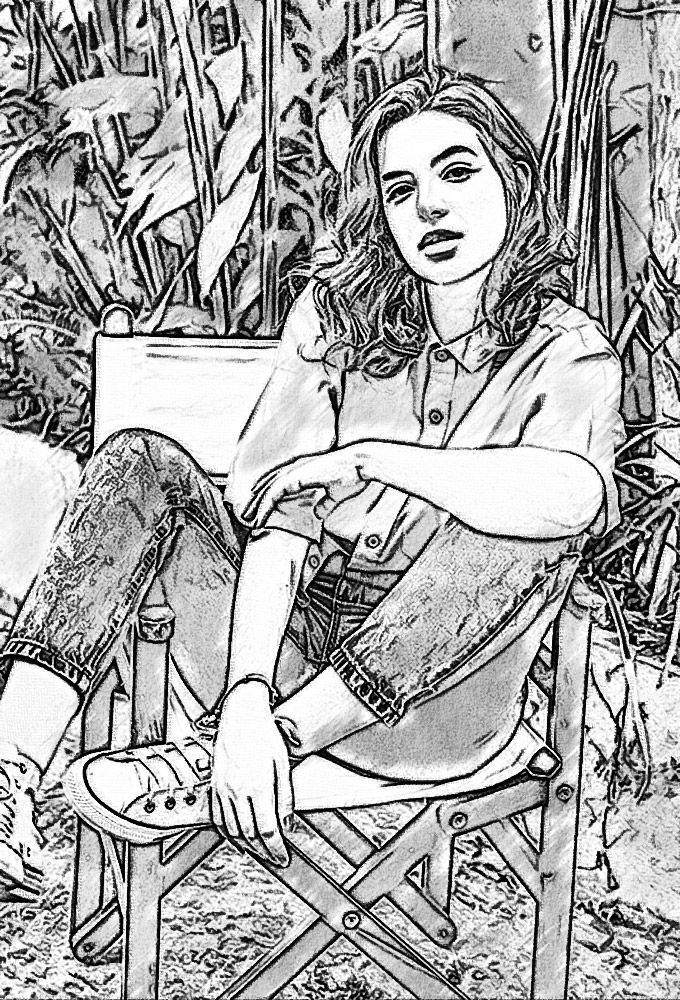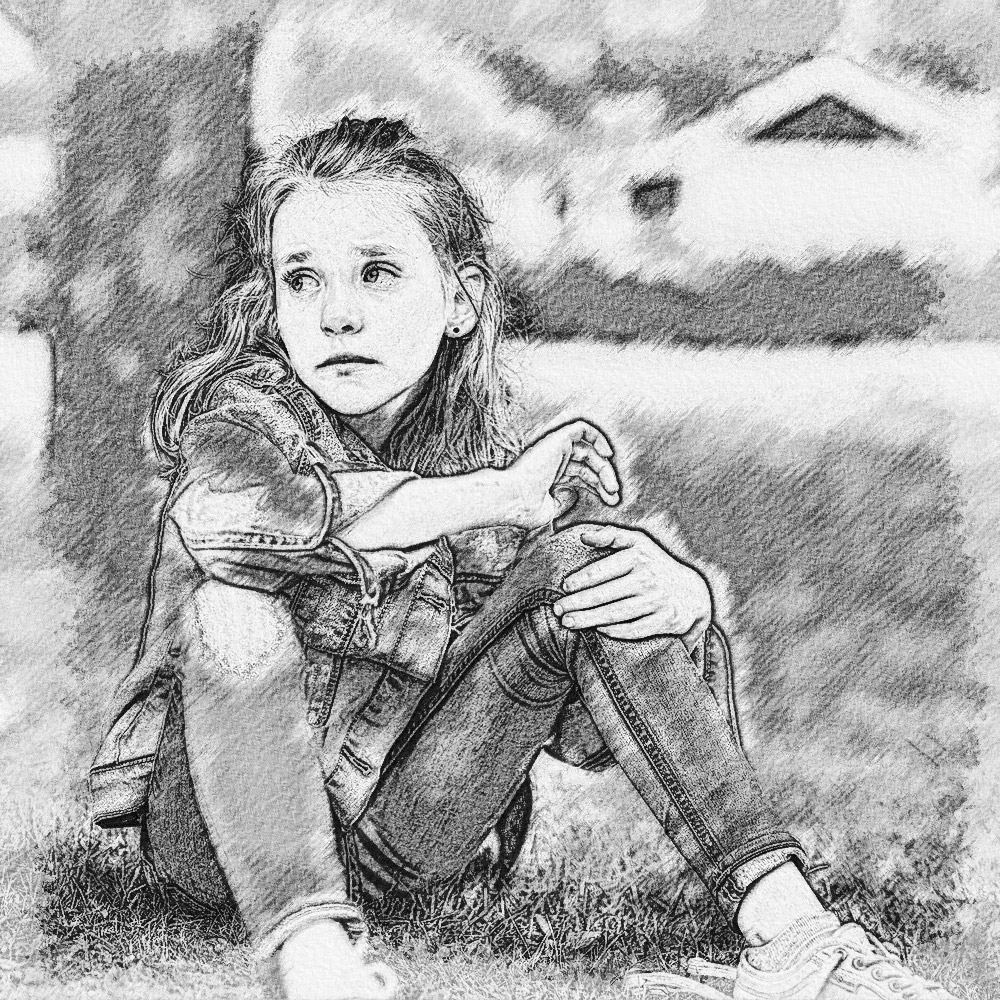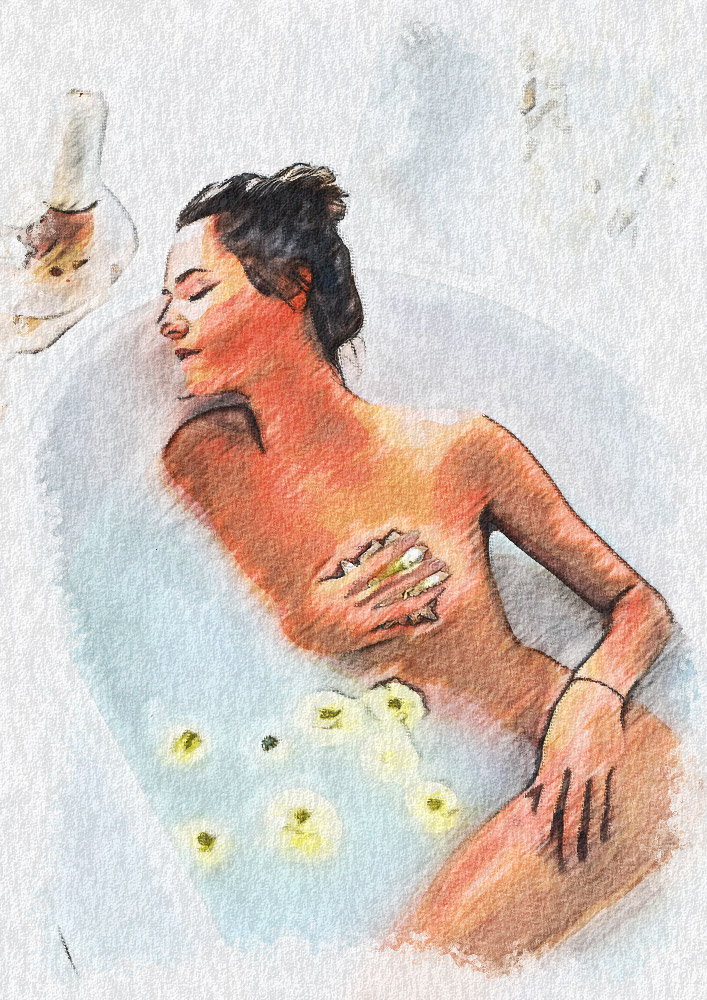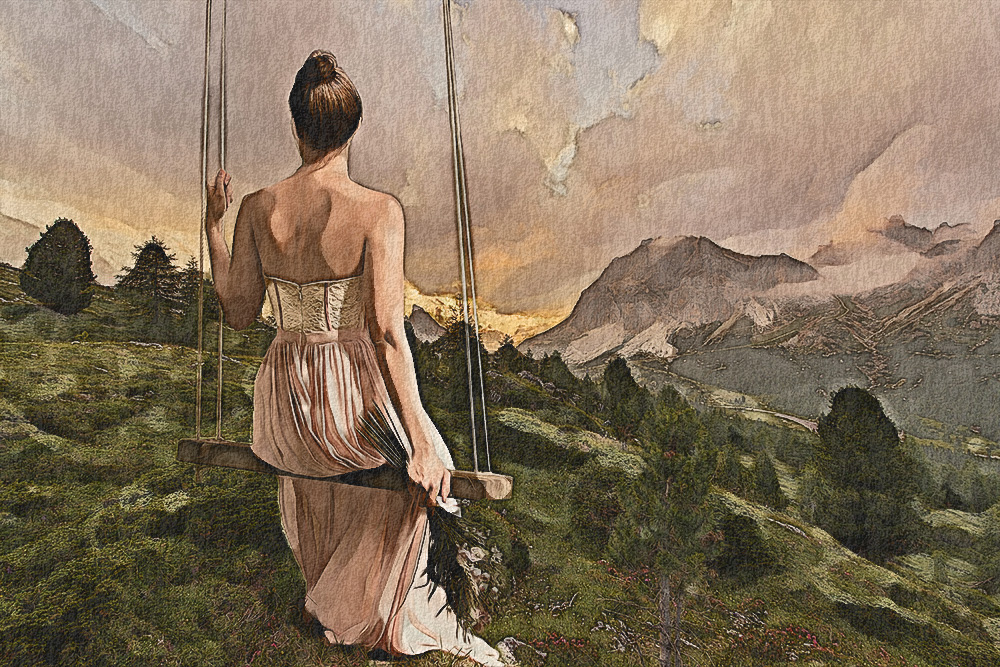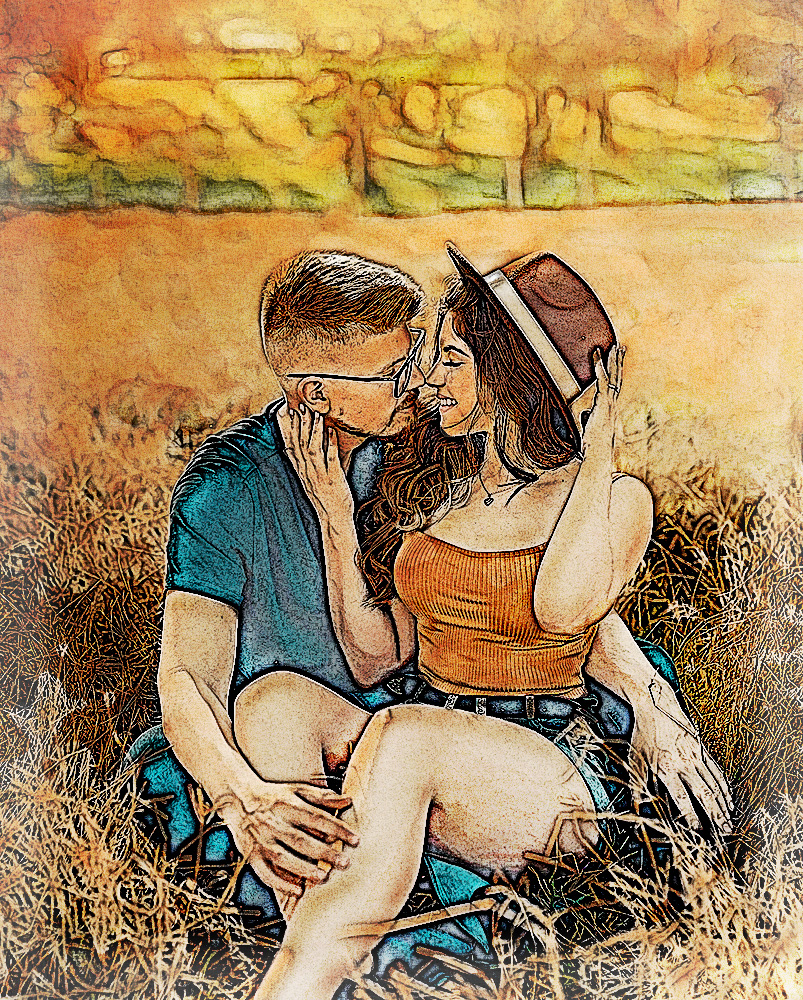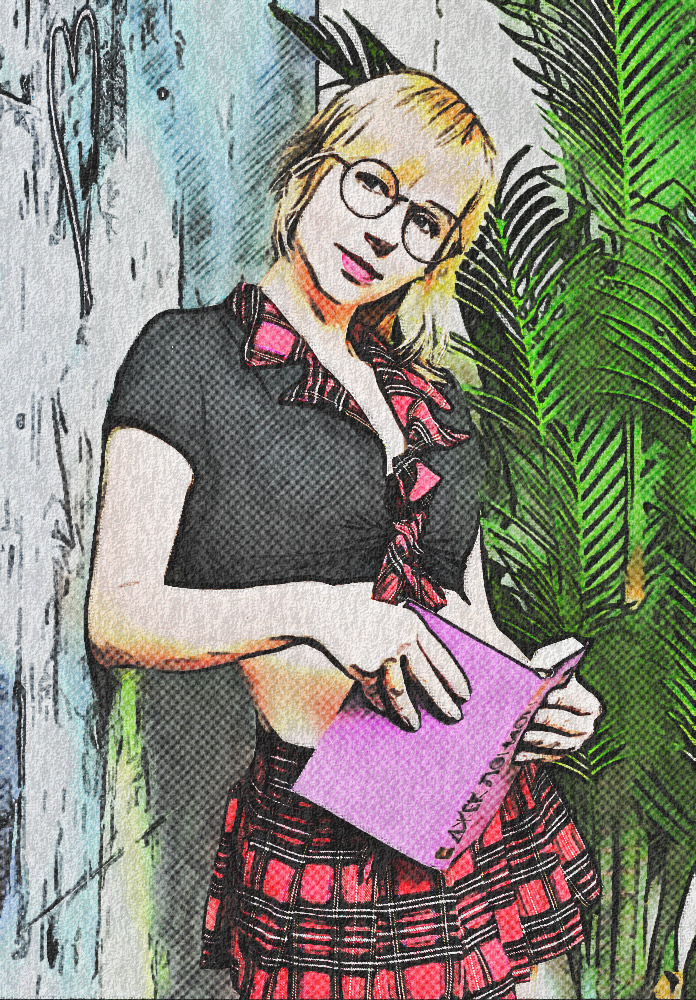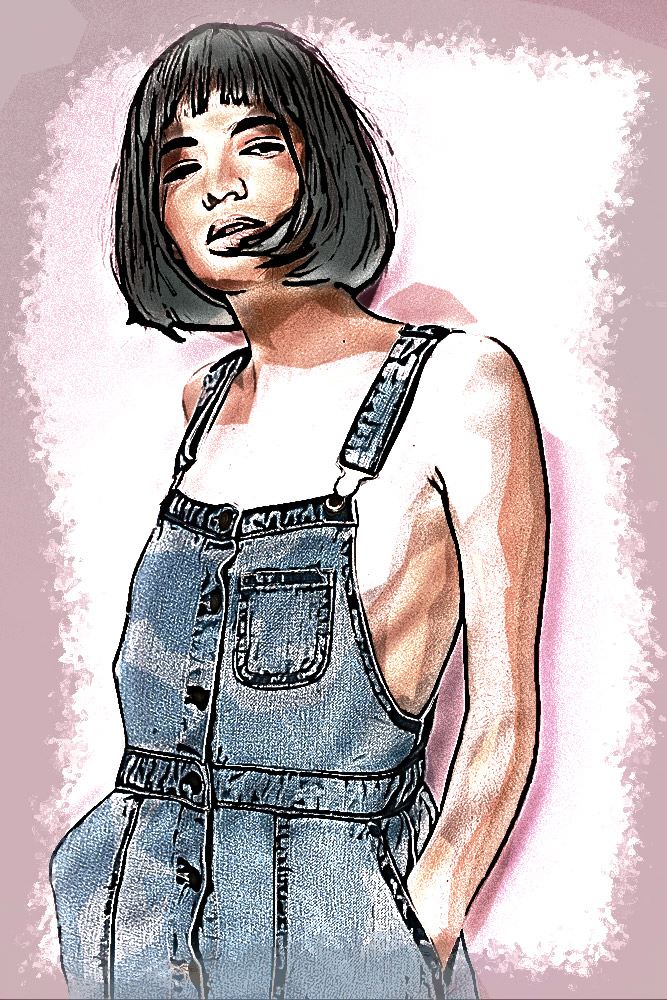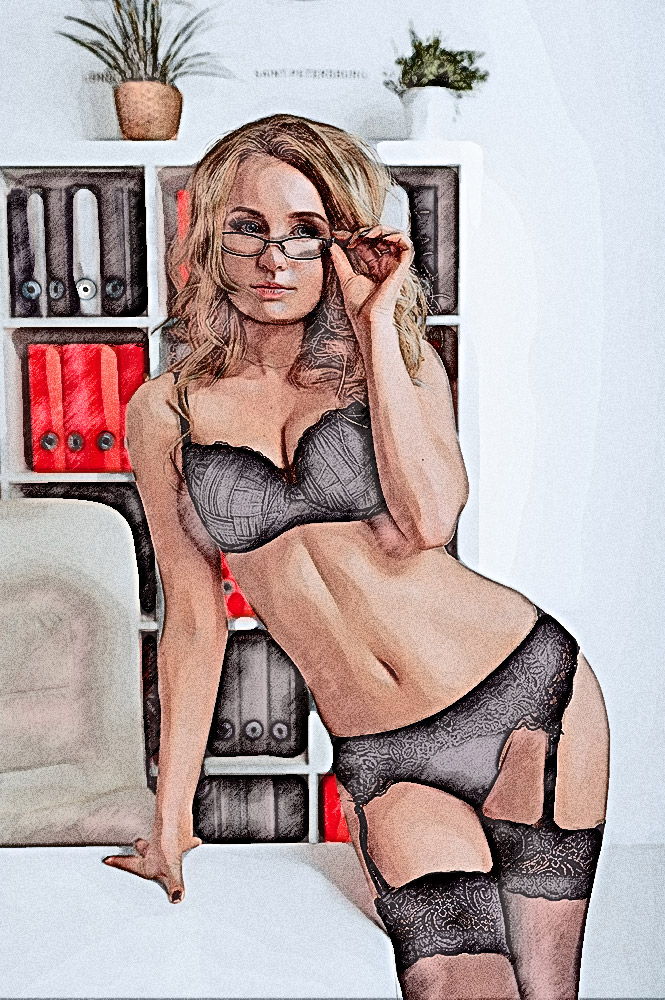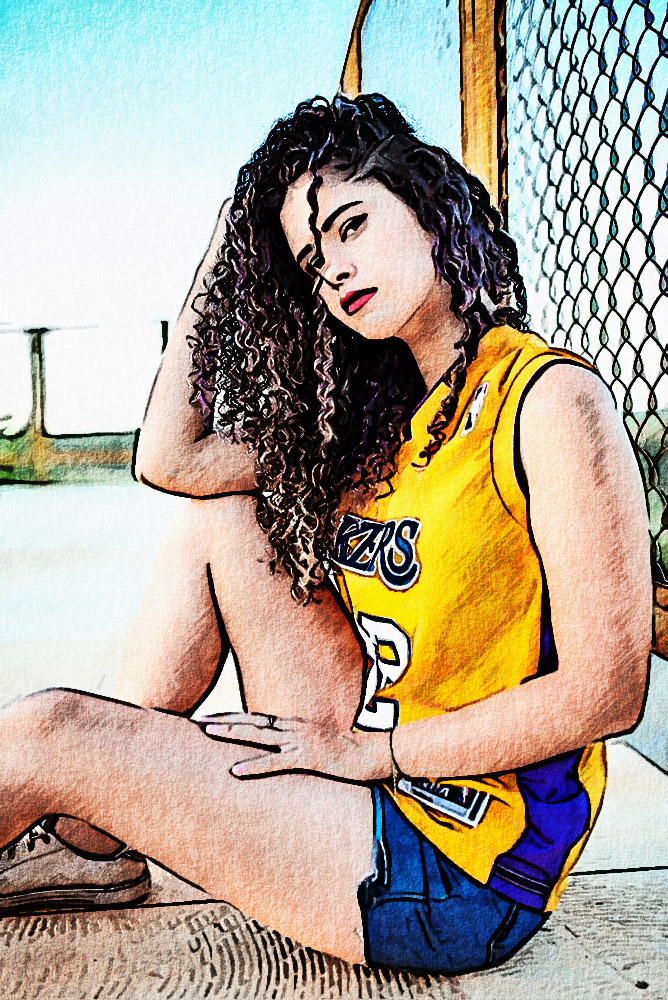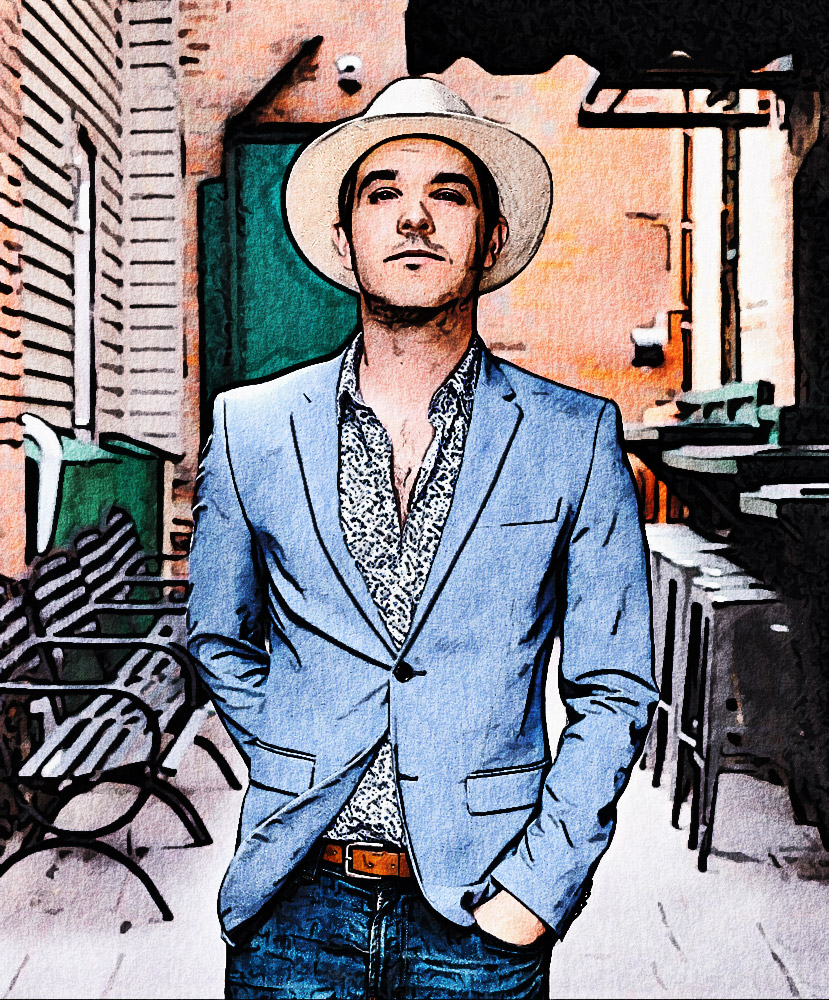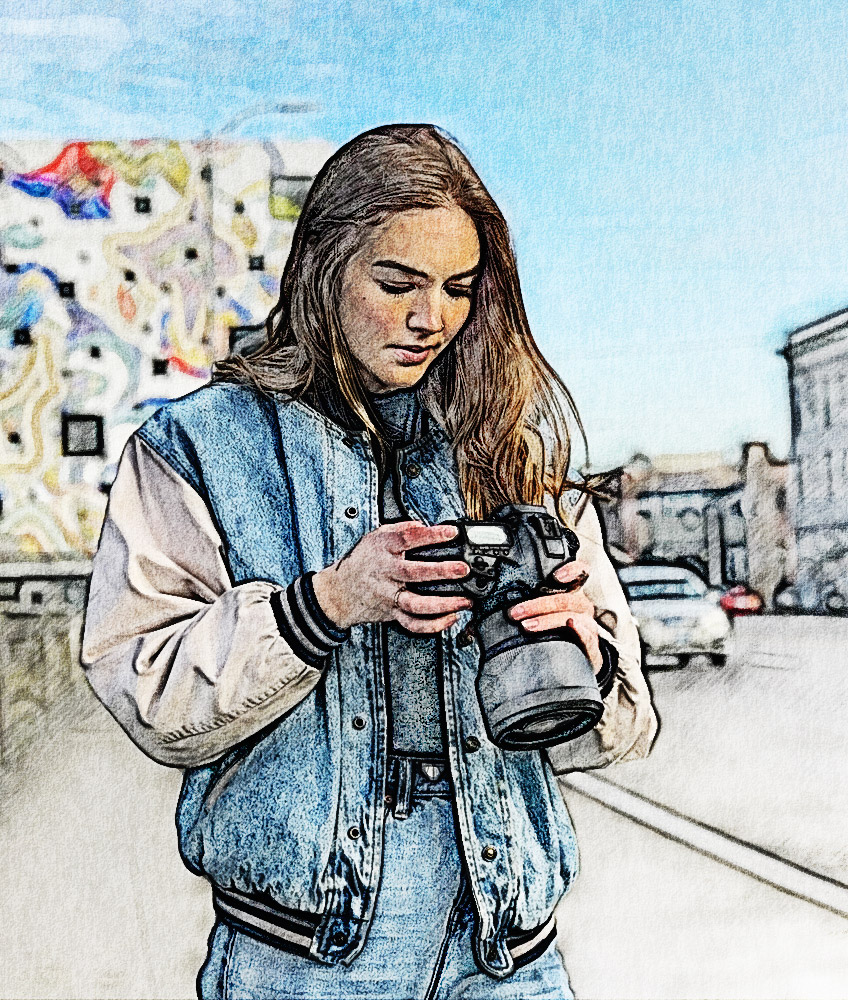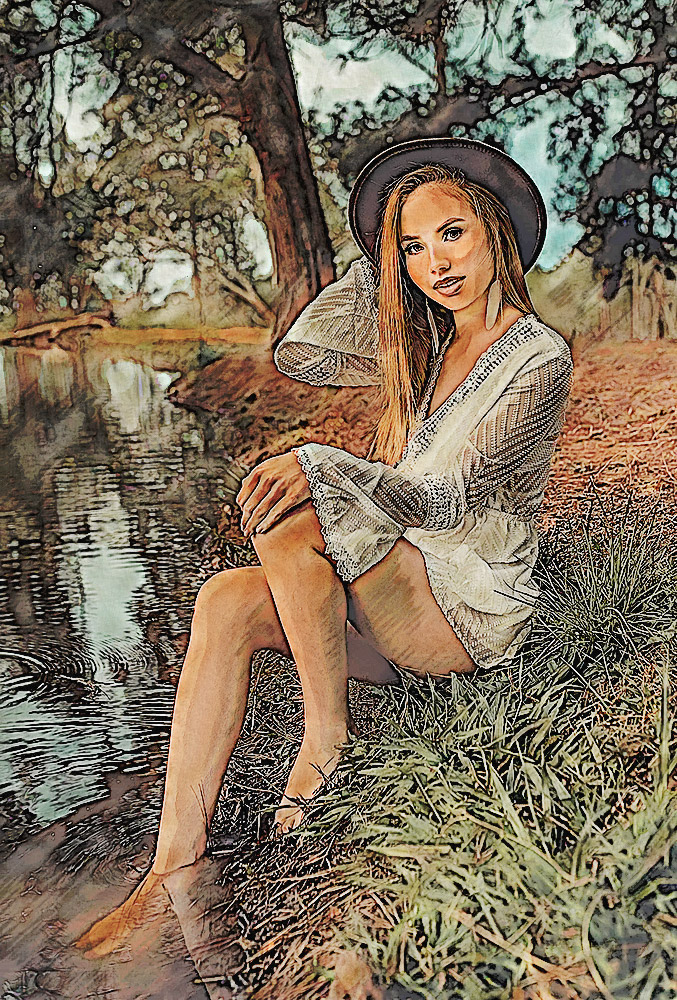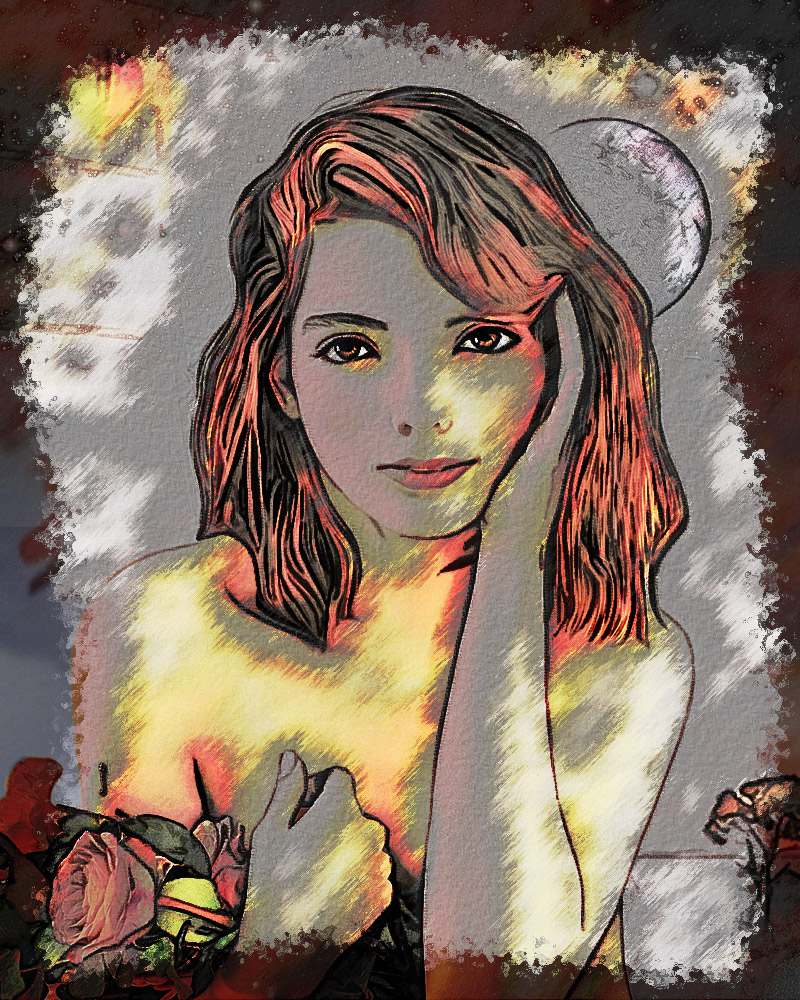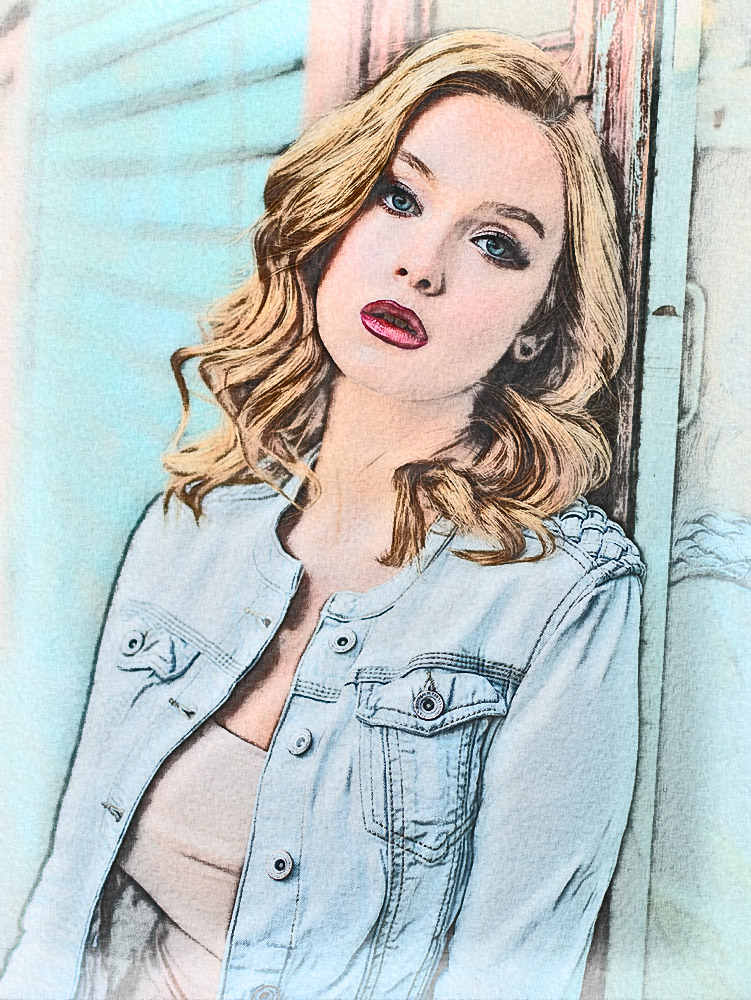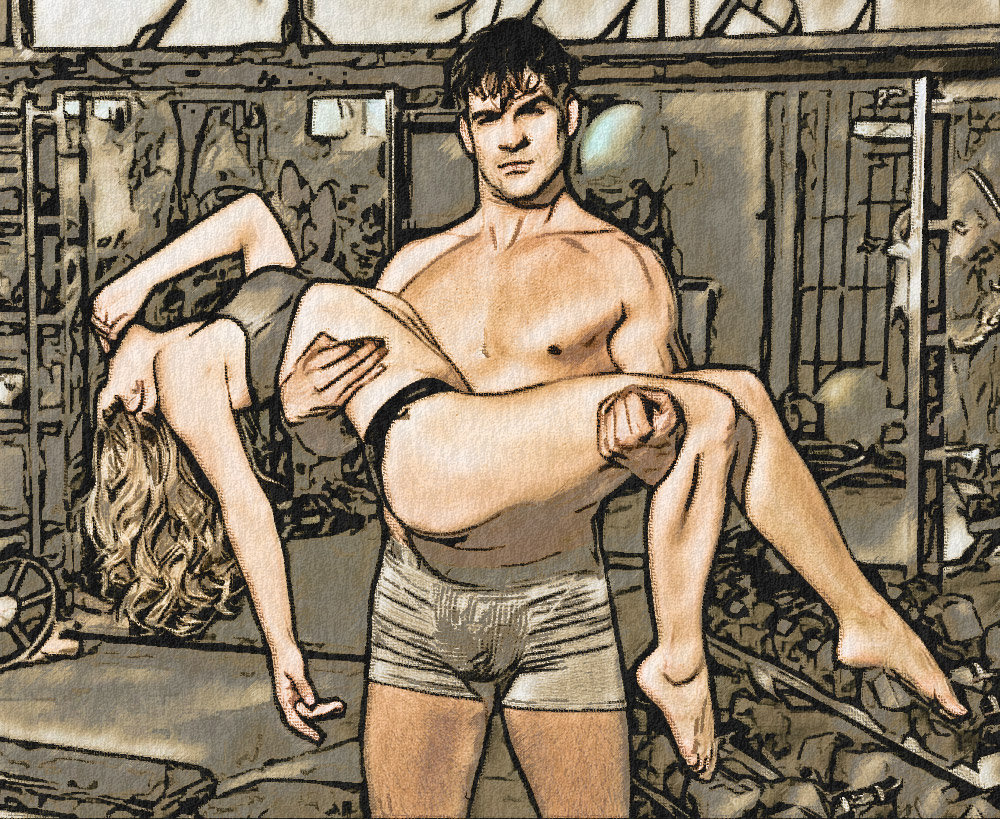
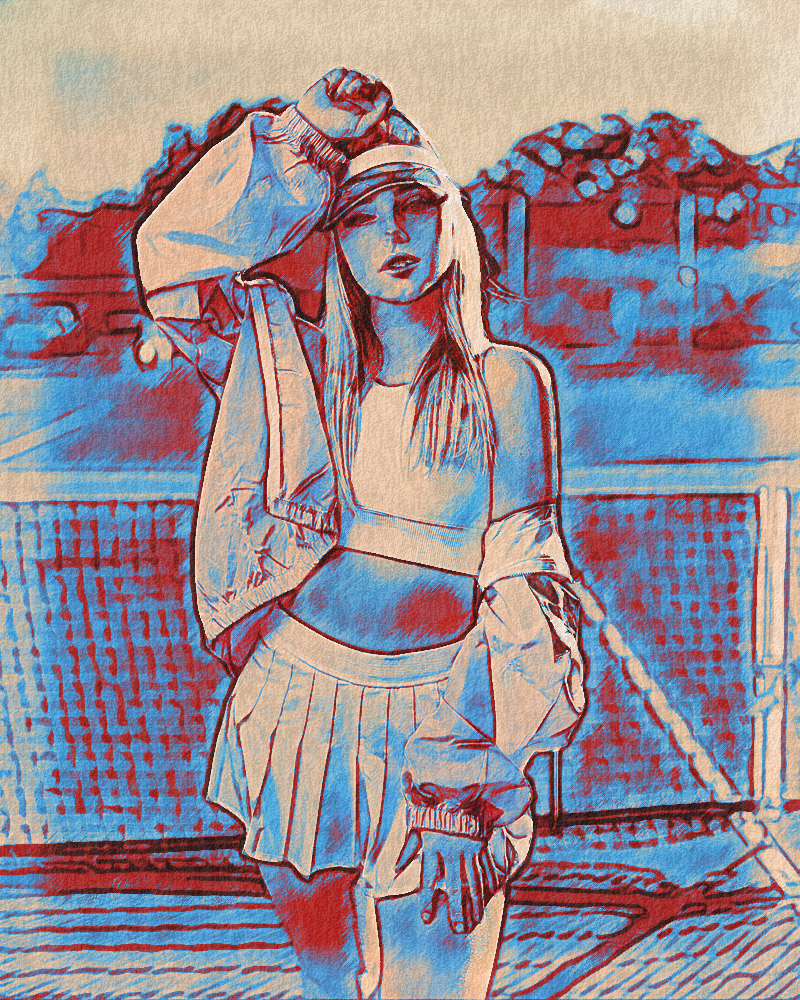
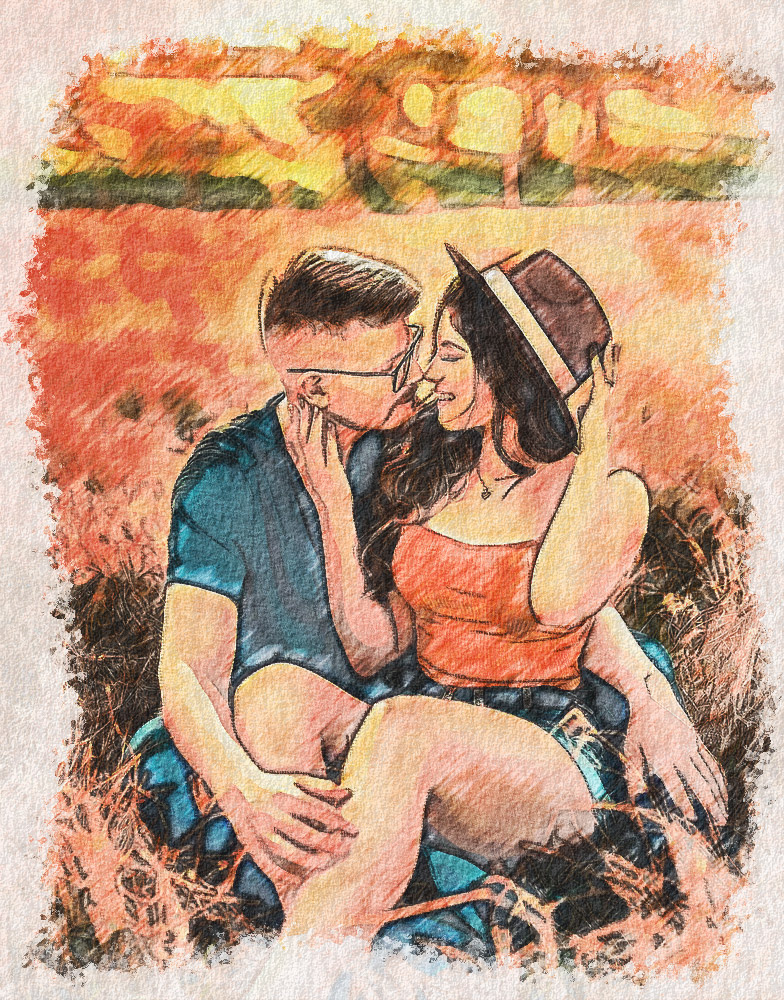
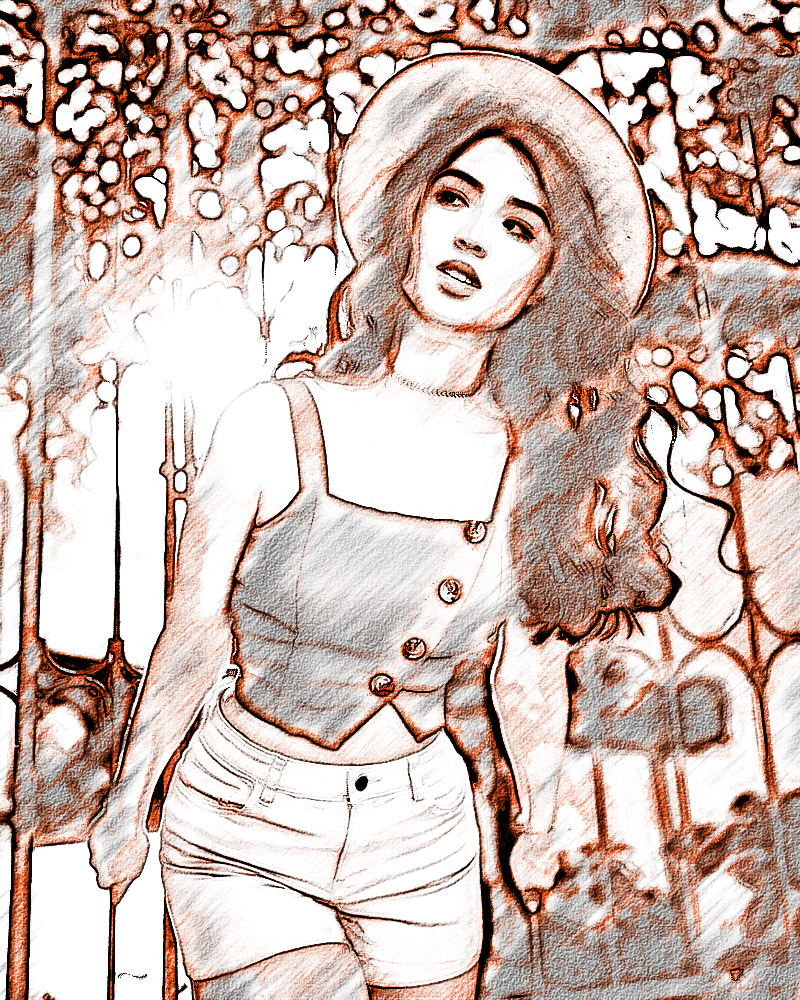
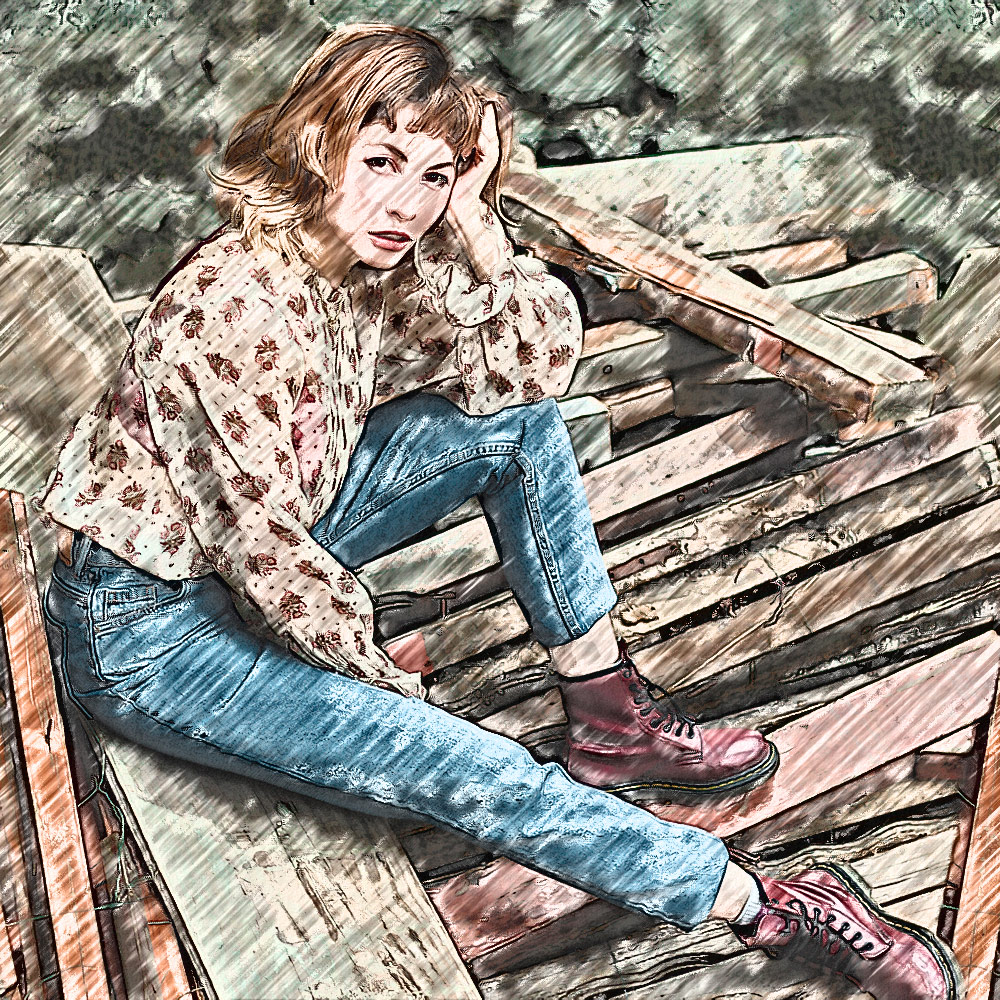
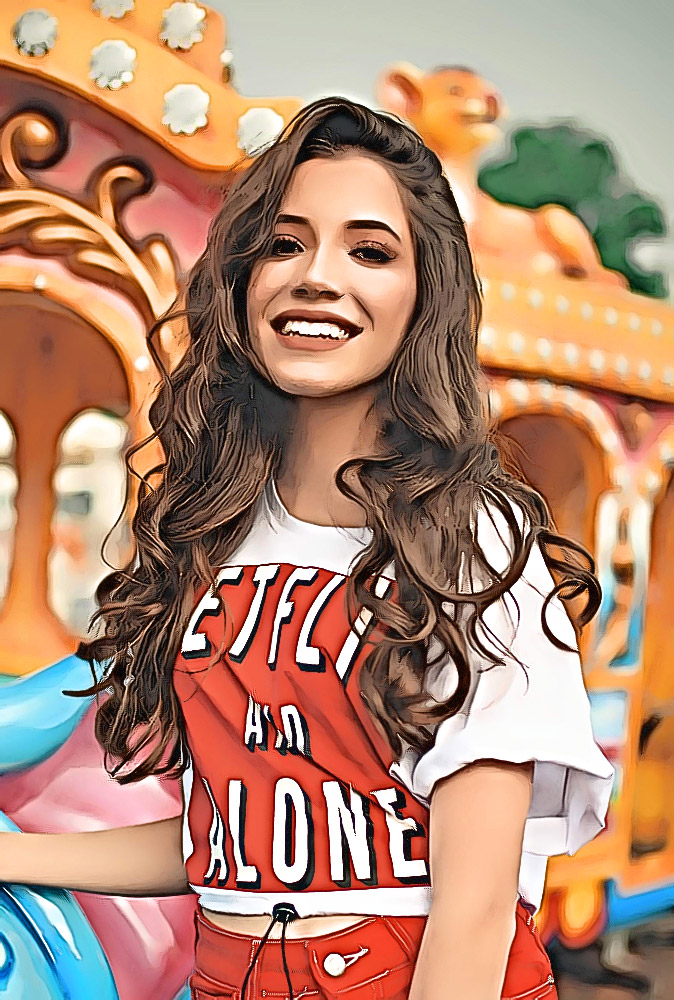
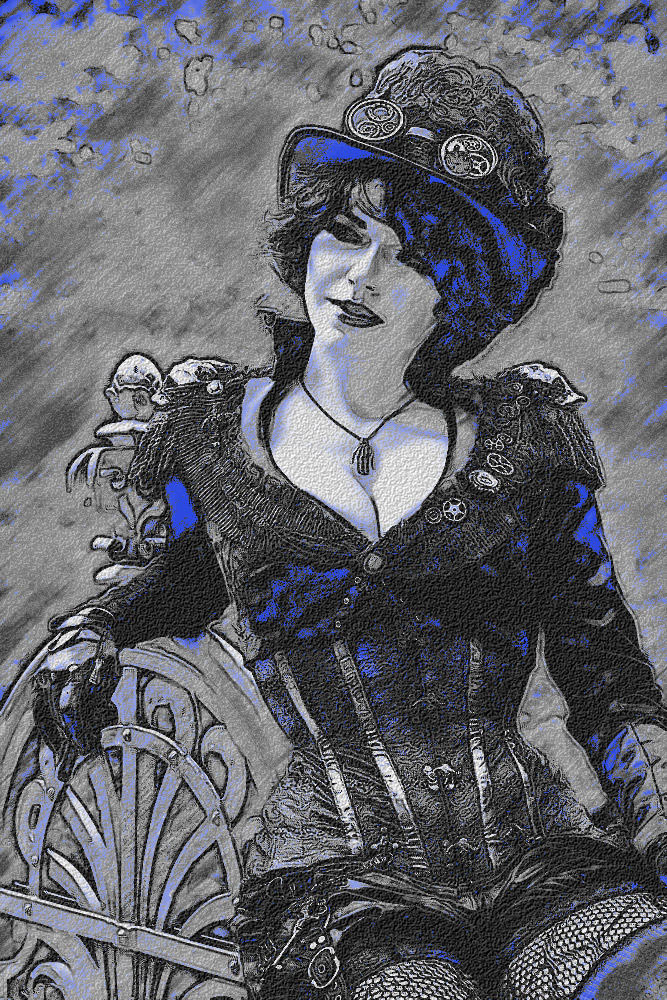
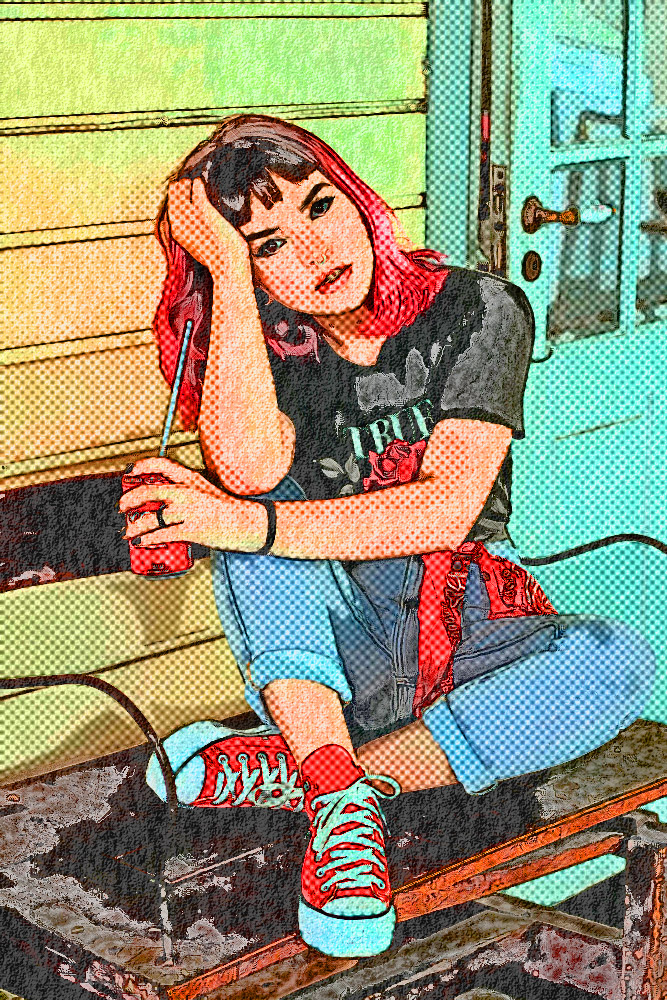
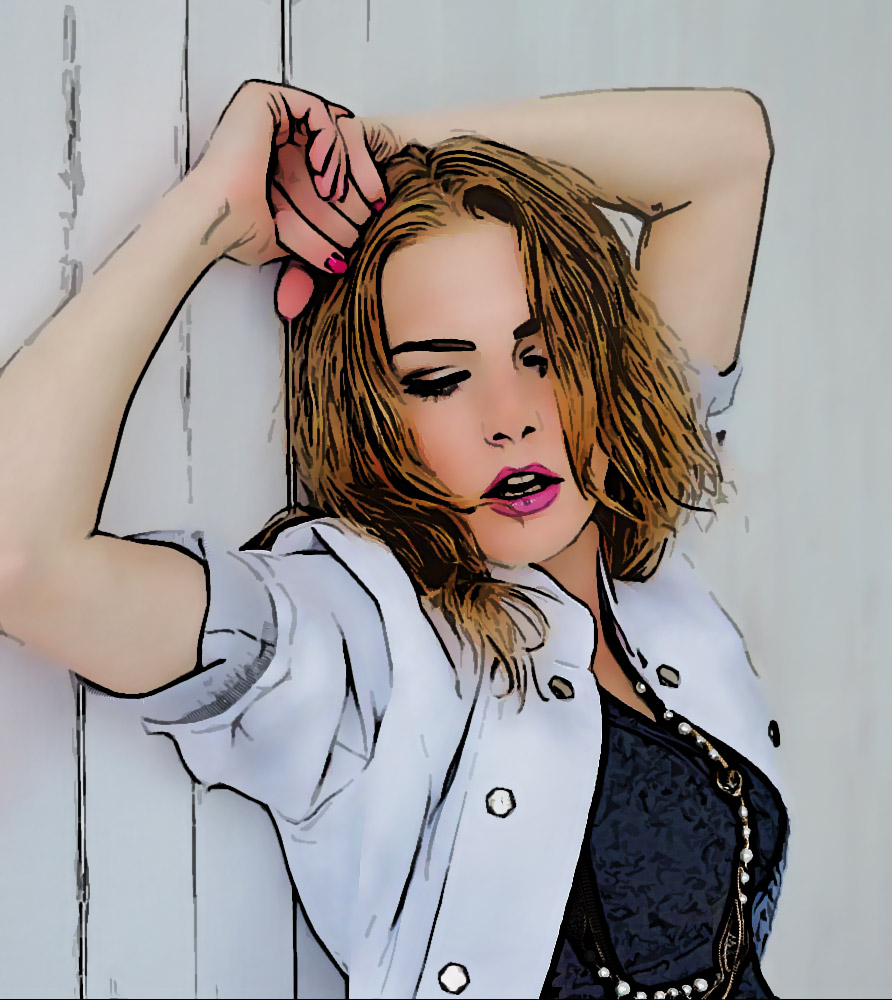
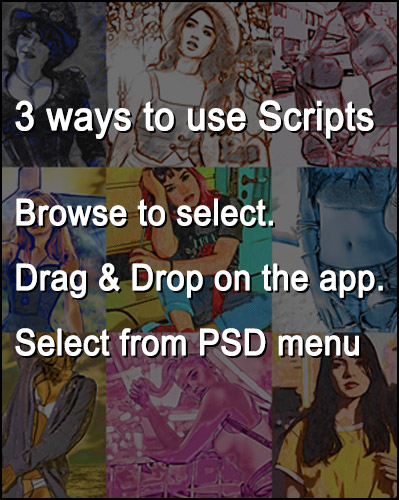
 Using our Photoshop Scripts is easy. How easy? How about just dragging the effect file onto the Photoshop application icon! Or from the Photoshop menu, go to File >> Scripts >> Browse… and select the MOODS volume from the folder you’ve stored it in.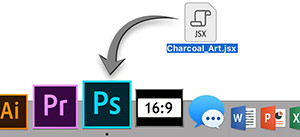
|
||||||
|
MOODS - 5 Script Volums for Photoshop 110 Advanced Photoshop Effects  How to use/load scripts How to use/load scripts | ||||||
 MOODS v3.0 For Photoshop CC 2019 thru current CC Version MOODS v3.0 For Photoshop CC 2019 thru current CC Version Price : $24.00  Free Eval. Download Free Eval. Download
| ||||||
|
MOODS v1.0 For Photoshop CS 5.5 thru CC 2018 Price : $24.00 Free Eval. Download
| ||||||
|
MOODS v1.0 version for Adobe Elements (for vers. 14 to 2019) Price : $21.00 Free Eval. Download
| ||||||
|
I agree to the Purchase License Terms |
||||||
The MOODS Script Effects are available for Photoshop This script will work on Mac OS and Windows. Photoshop scripts tested for versions CC 2019 to current CC versions Best for images 900x900 pixels to 4000x4000 pixels. Developed and optimized for 1500 pixels use for online Ads, Social Media and Web Page Art. License The resulting images are free to use personally, professionally and commercially. Terms of Use Pencil Pixels One-Click Scripts, Styles, Actions and Dragon Drops Terms of use: Distribution, resale, reverse engineering, layer emulation or derivative development from the copyrighted products of Pencil Pixels is strictly forbidden by law. By downloading and/or using the One-Click Scripts, Actions, Dragon Drops or Styles of PencilPixels, you are accepting, and are bound by the terms of use of these products, and understand that they are the intellectual property of Pencil Pixels. Reach us at www.PencilPixels.com/contact  Where do I download my Purchase?
*Free Evaluation Download Scripts An evaluation version of a script is free, but produces a watermark over the effect. The resulting layers are usually flattened but there is no size restriction. It is used to evaluate if the effect works to your expectation on the images you typically use. Please try the effect on a number of similar files that you would be working with. You are encouraged to do this to make your purchase decision. Important. Here's why. |
||||||
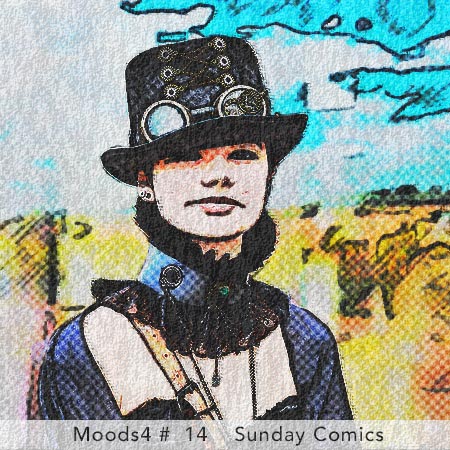
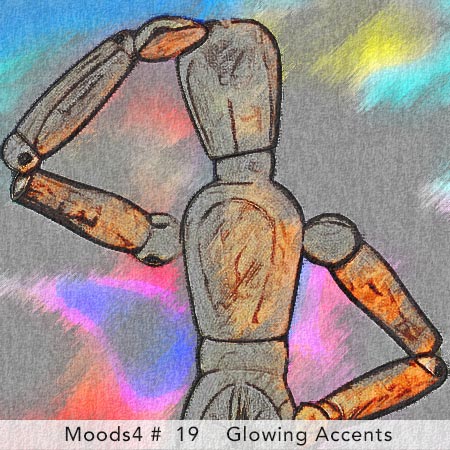
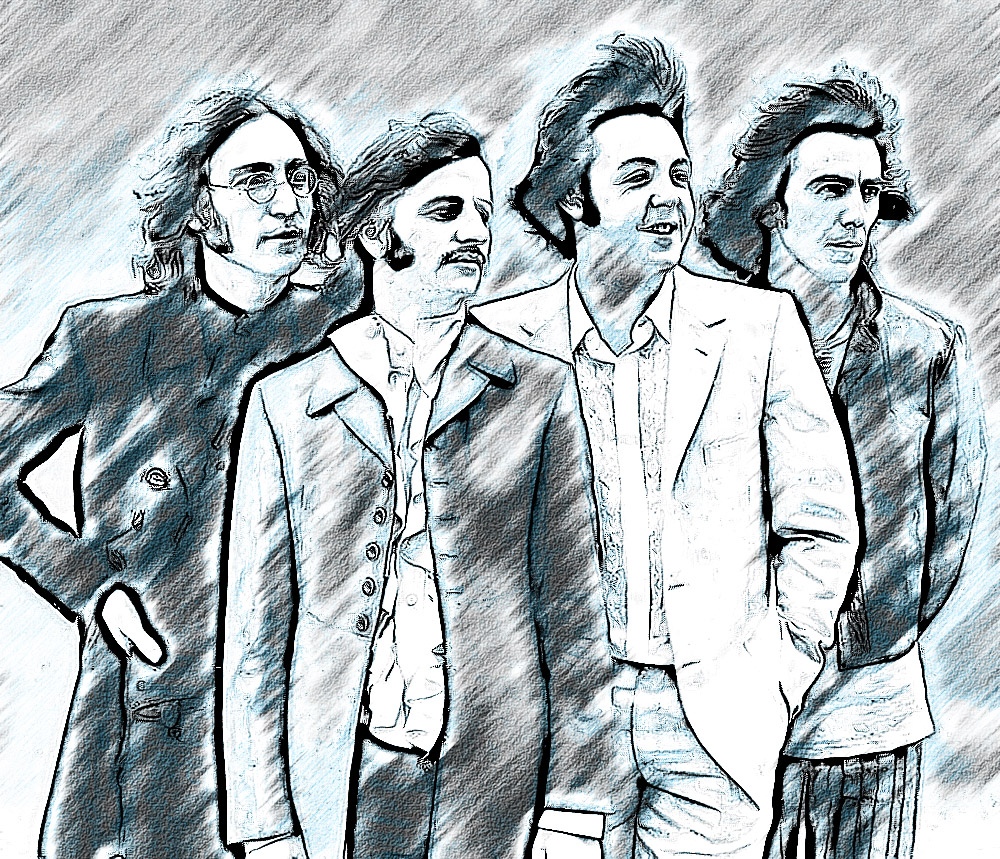
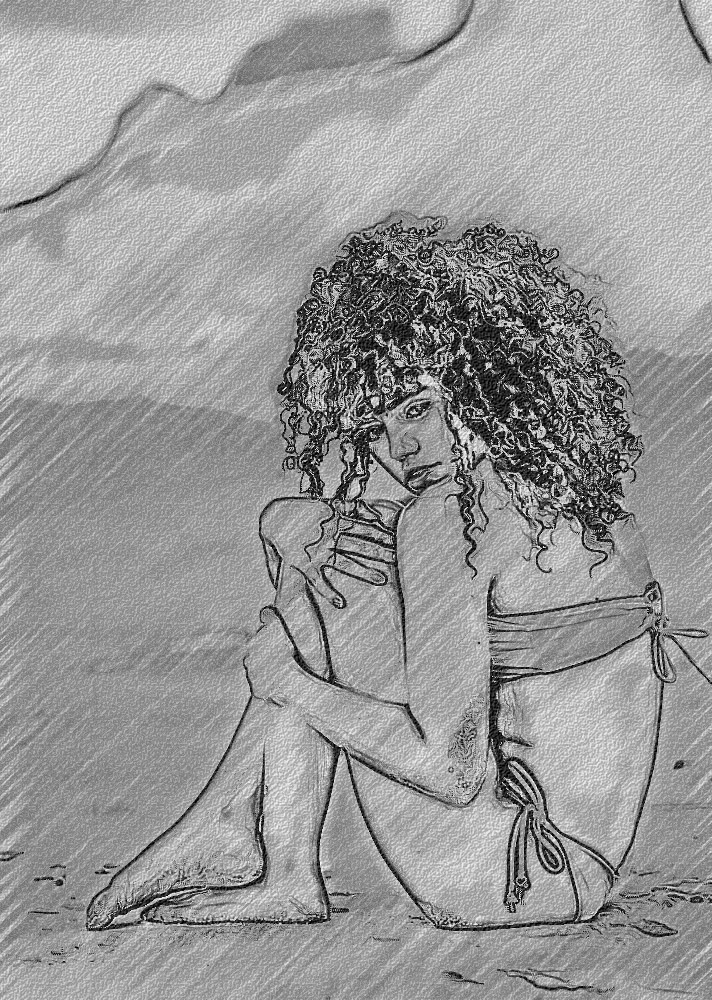
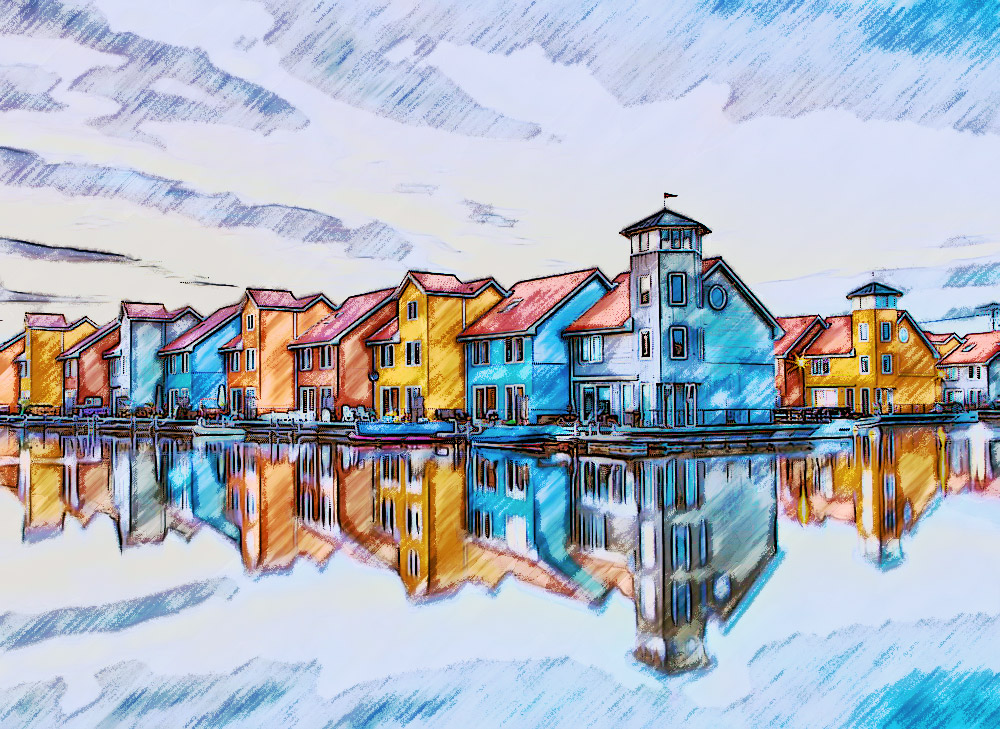
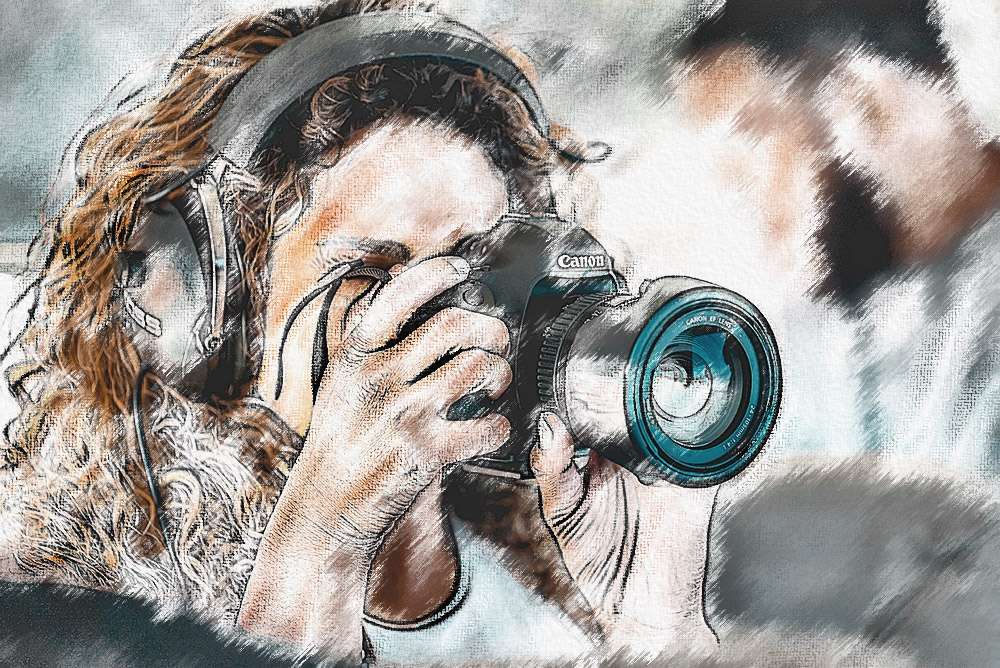
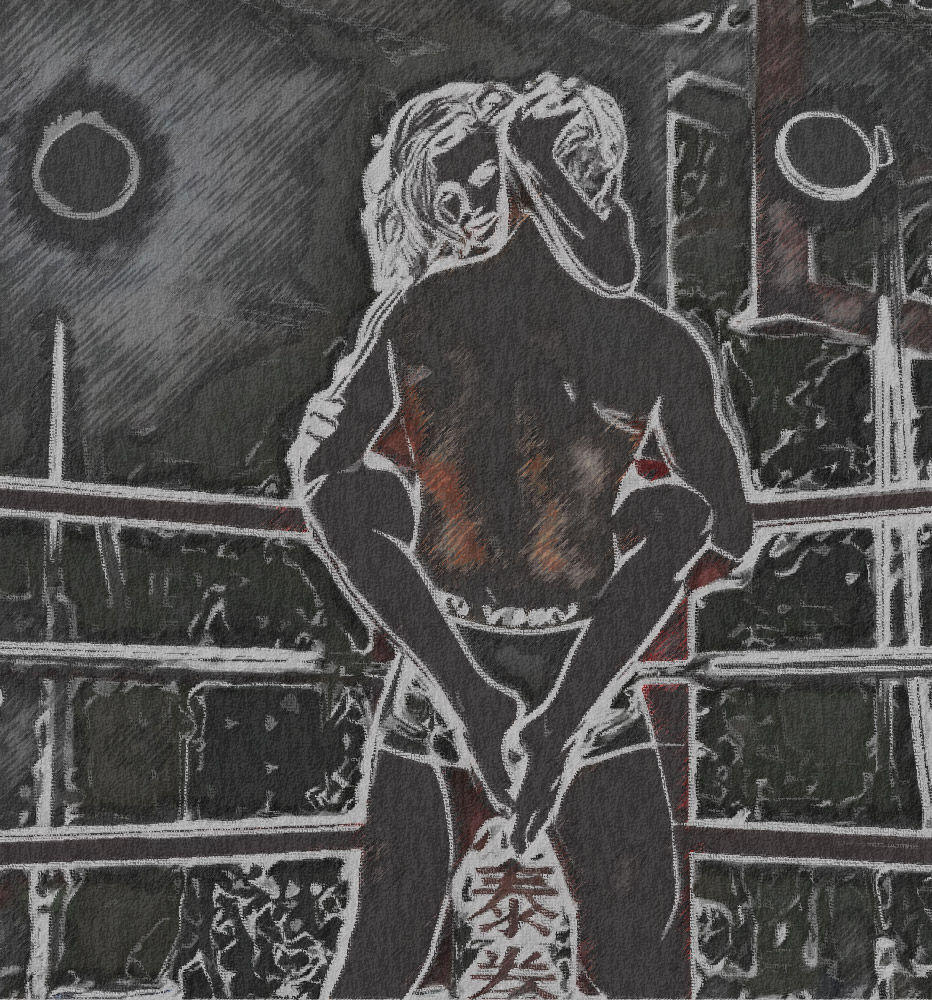
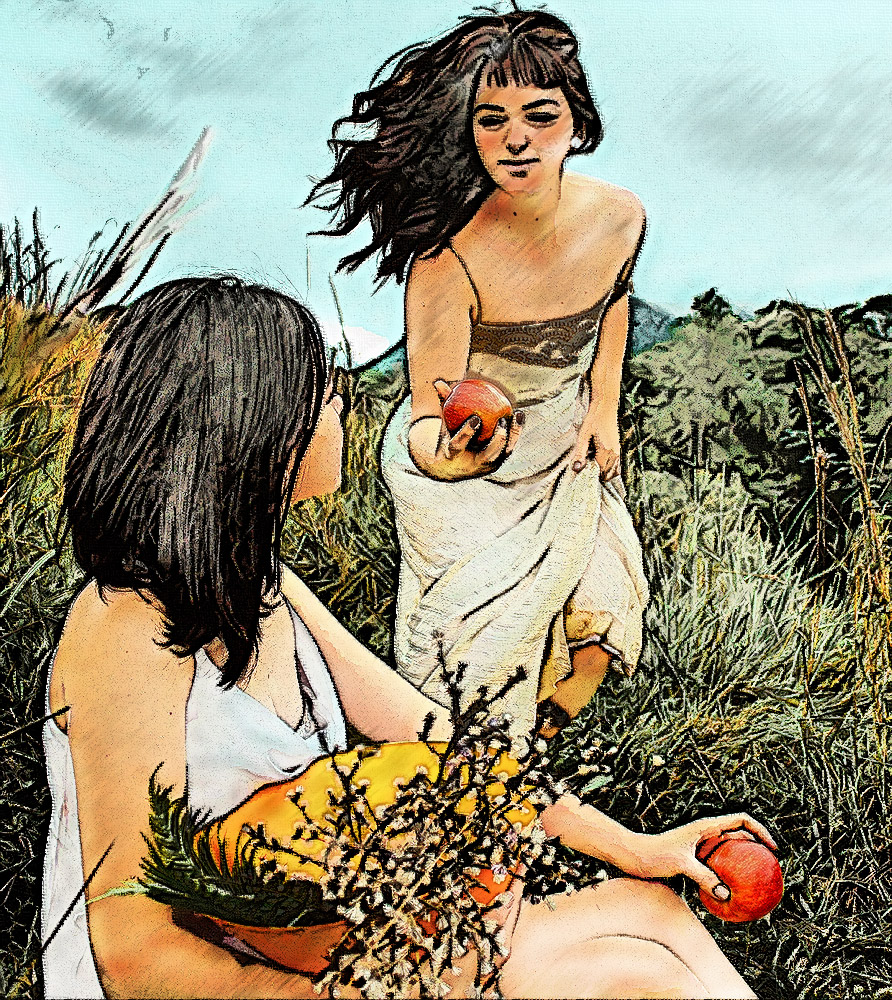
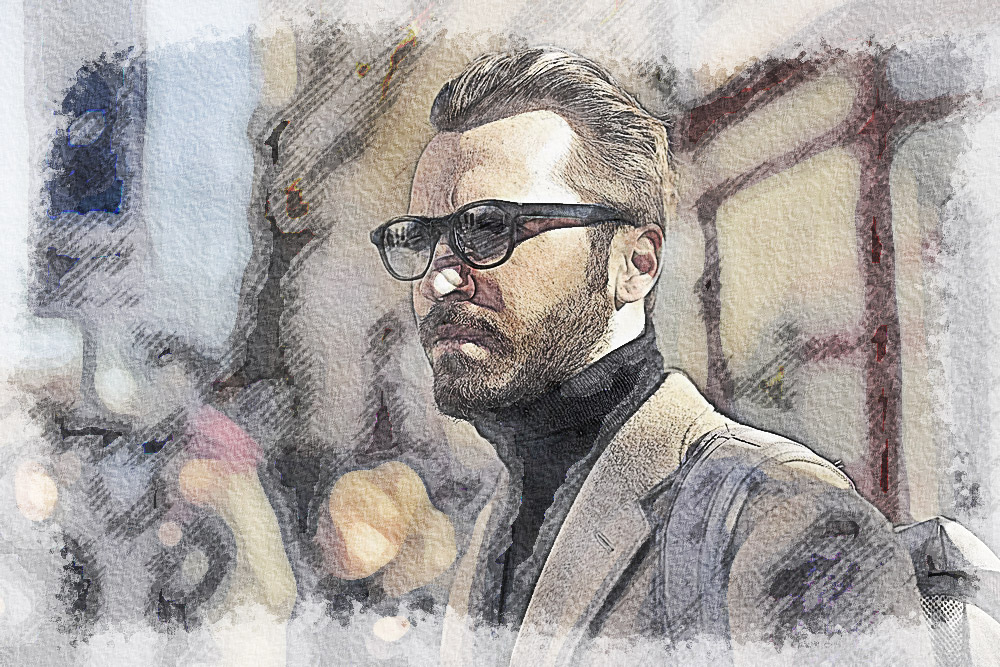
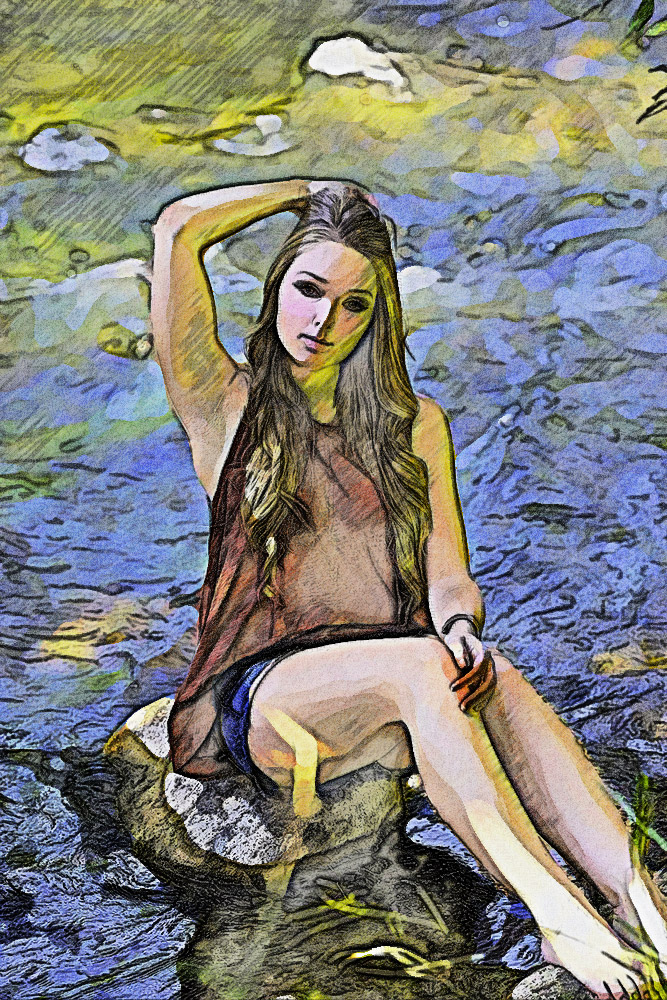
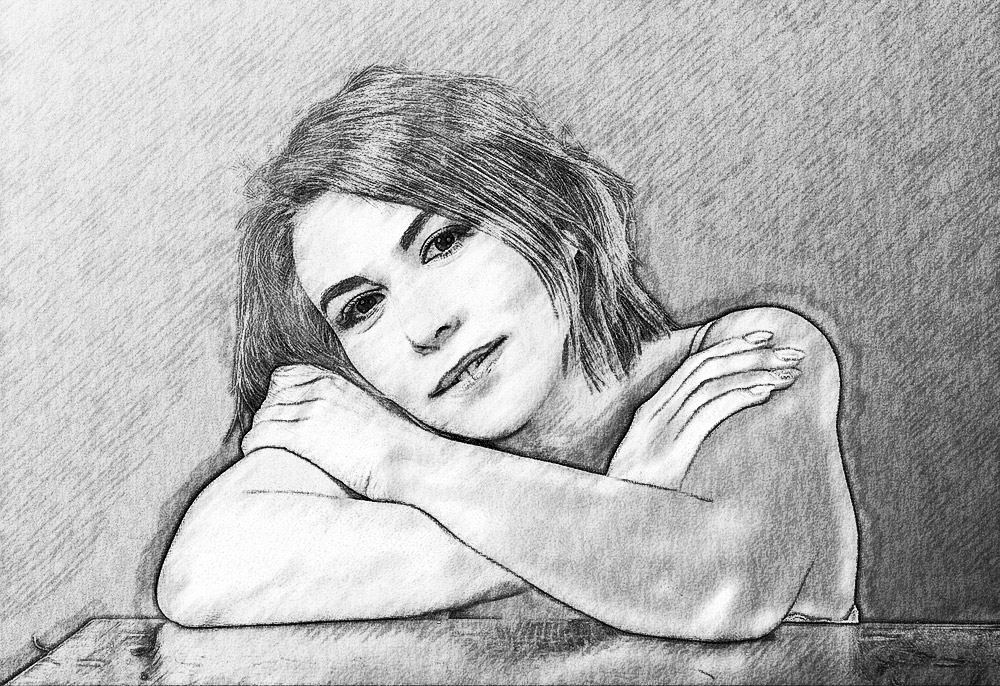
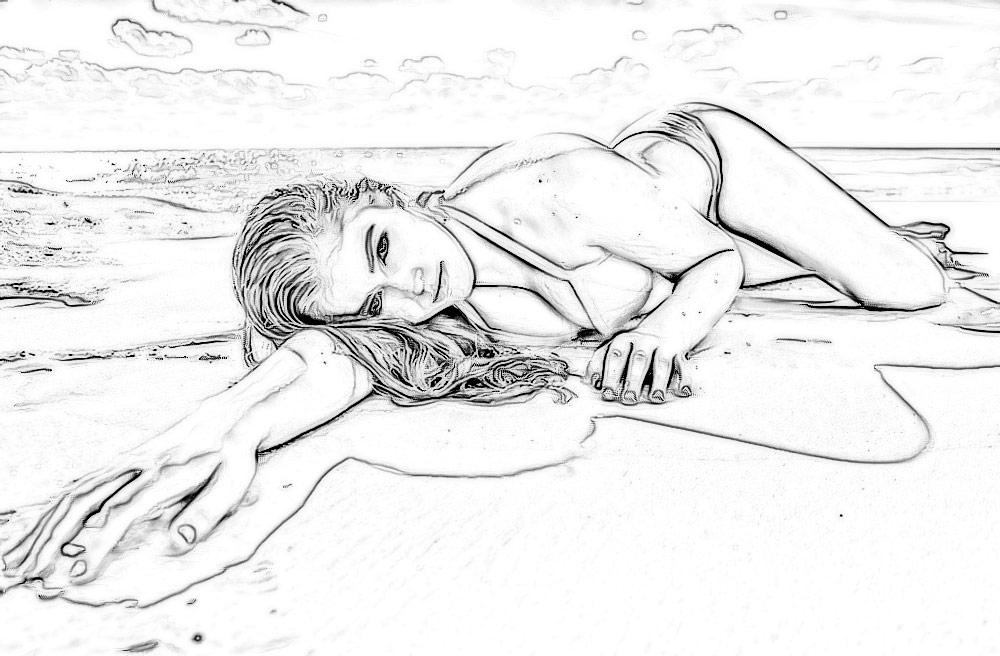
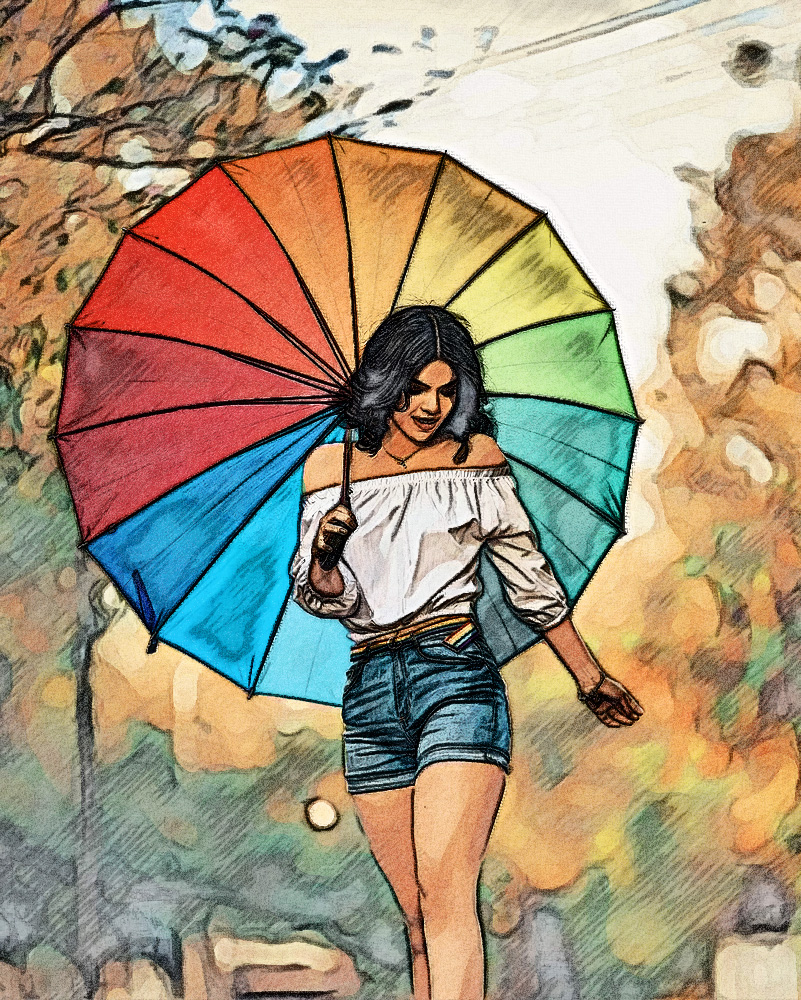
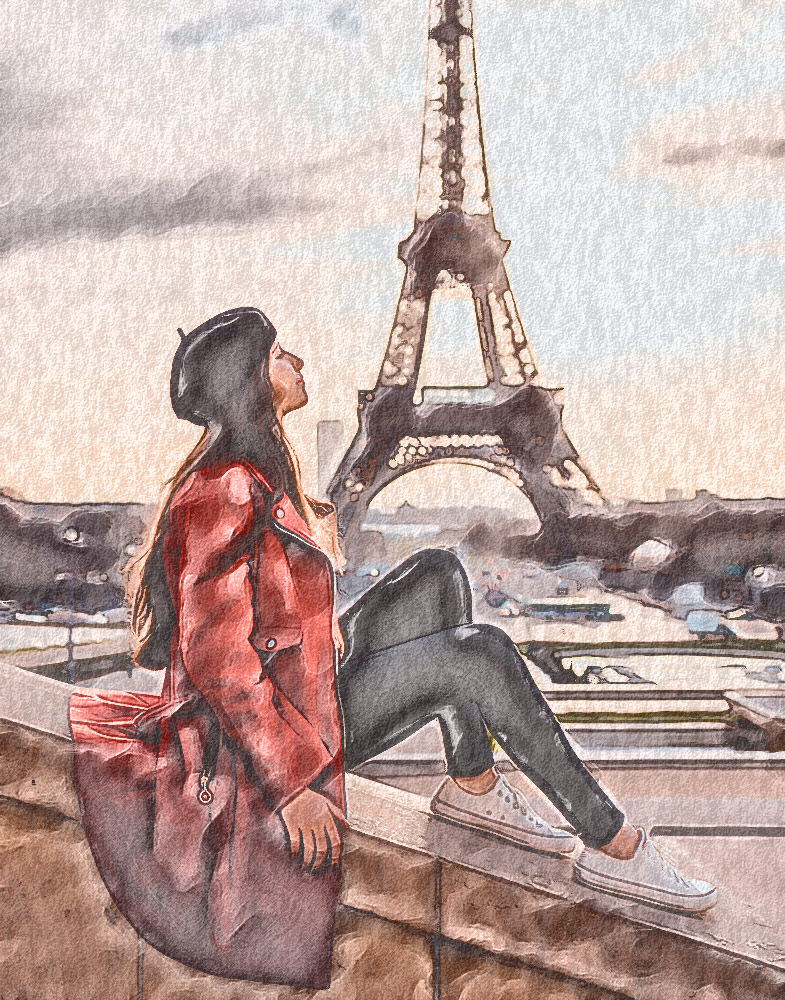
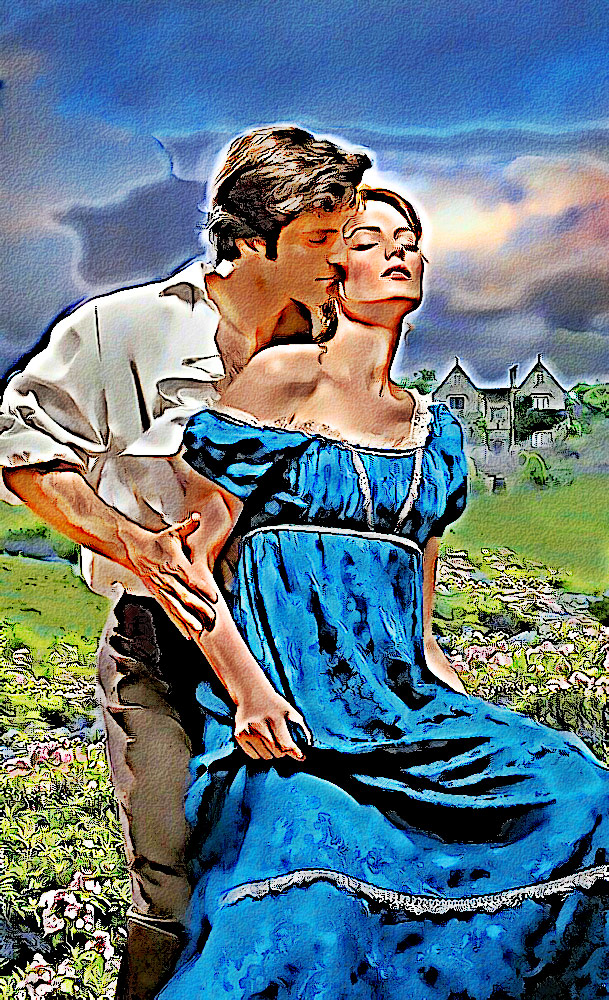
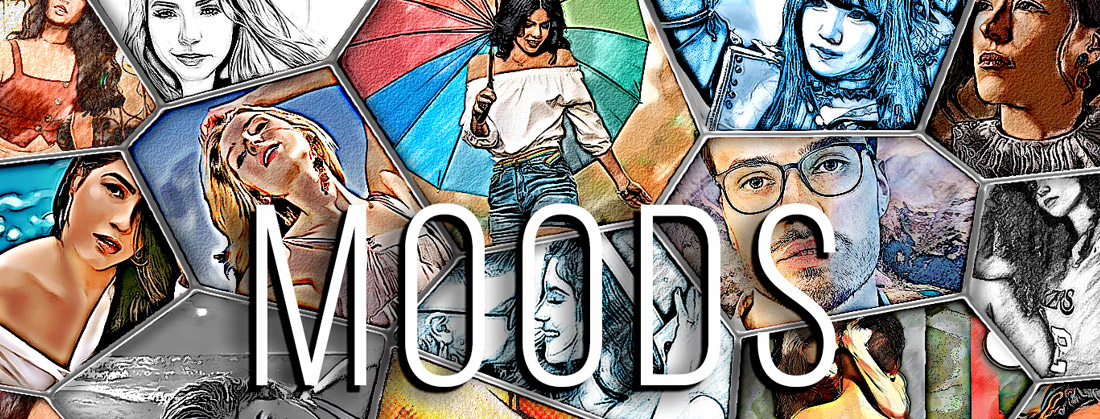
110 effects to express what MOOD you're in.MOODS is the Ultimate Collection of One-Click Drawing, Sketch and Illustration styles for images. Generate artistic effects for social media, storyboard layouts, advertising and more!Over a hundred ways to augment your reality with 5 Volumes of 22 Photoshop Effects, selected from a dropdown menu, in each. Incredibly artistic ways to pitch your promo putt, increase impressions or just boost your psyche. Developed for quality images and best for Portraits, Landscapes and AI Generated images. When you use the effect in Photoshop, it produces a number of adjustment and image layers. Changing the visibility or opacity of these layers will alter the effect. Freely experiment with opacity of layers to intensify or subdue any of the layers. Some of the effects produce adjustment layers for brightness, contrast or color.Depending on the effect, these layers allow you to alter the Color, Texture, Density, Outline, Tone, etc. Adjusting any of the layers, for opacity, visibility or blend mode, changes the appearance of the effect and allows you to customize the result. See how easy it is to use our Photoshop Scripts on your artwork. |
Getting better results.Like any plug-in or action from any other company, images that are blurred, or contain a lot of image noise, are overly compressed, are very dark and extremely low in contrast, will yield poorer results. Keep that in mind.As designers and artists, we know how incredible it is to become aware of quality, professional level photos that are both massive in scope and FREE. These are great online sources for free-use Photo and AI images. No cost and no attribution hassels make them easily boost the quality of your projects. Although use is non-attribution, saying 'thanks' to the authors at time of download gives pride to the photographers and artists which adds to their desire to contribute to these sites. Pexels UnSplash Pixabay |
MOODS effects by each of the 5 volums.